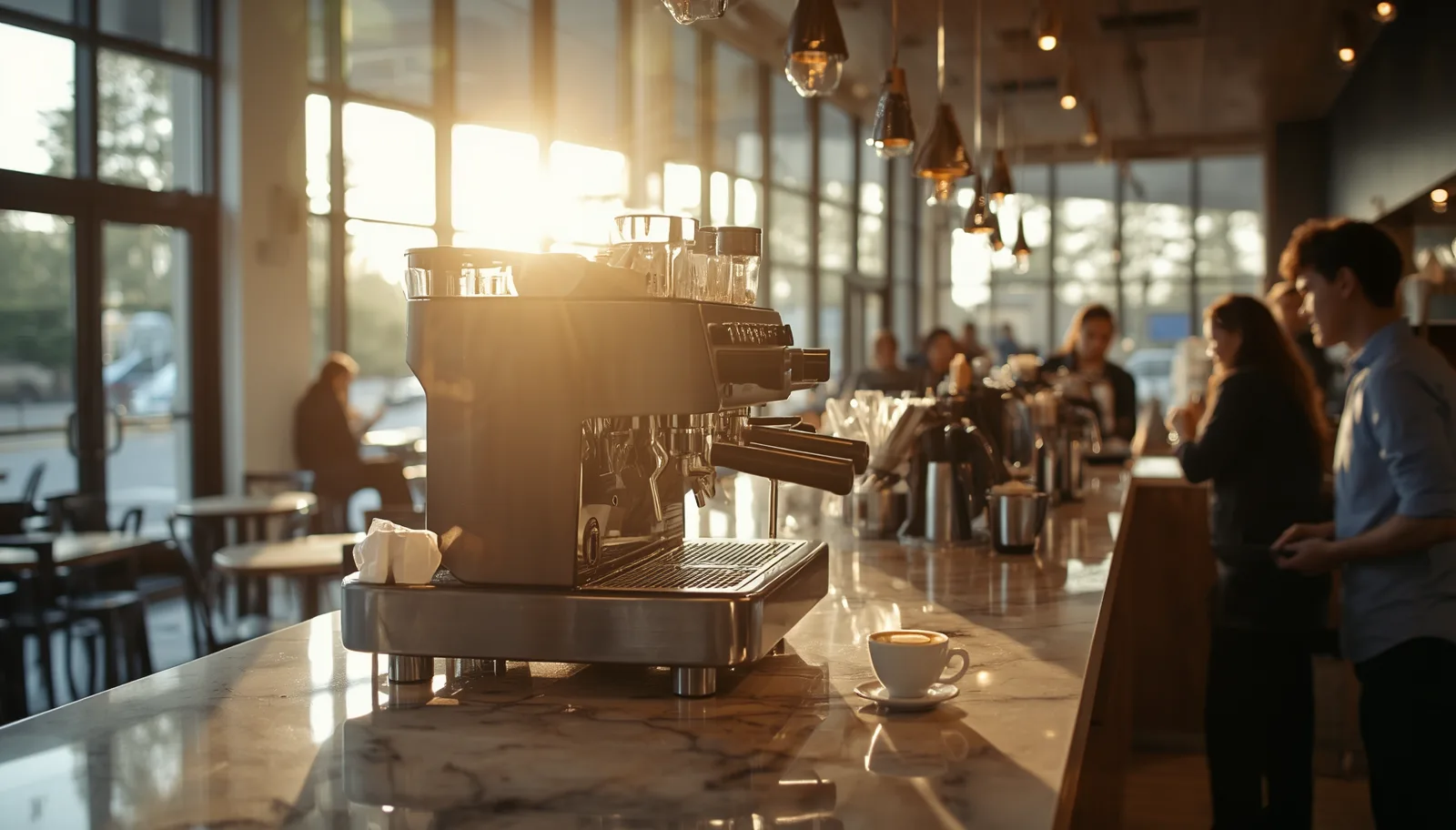
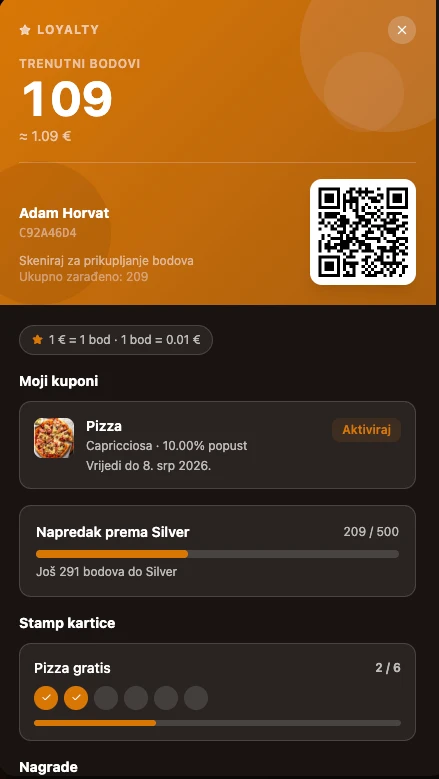
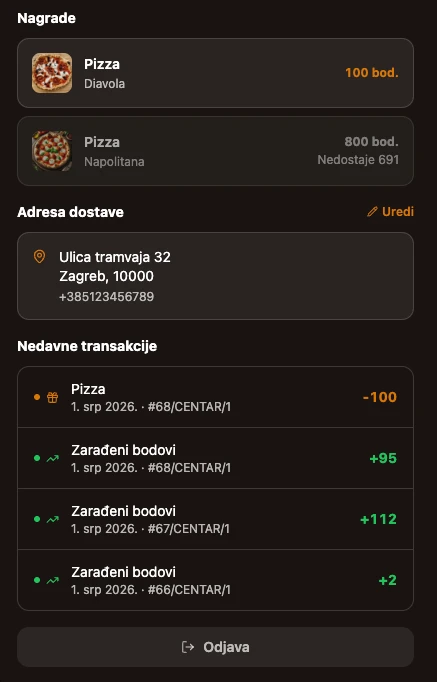
Points for every coffee — guests track themselves, and you see who your most loyal customers are.
Points are calculated automatically from the receipt amount
Stamp cards: buy 6 coffees, get the 7th free
Gift cards and coupons in one place
Guests track everything from the loyalty portal
Business unit
The foundation everything else rests on.
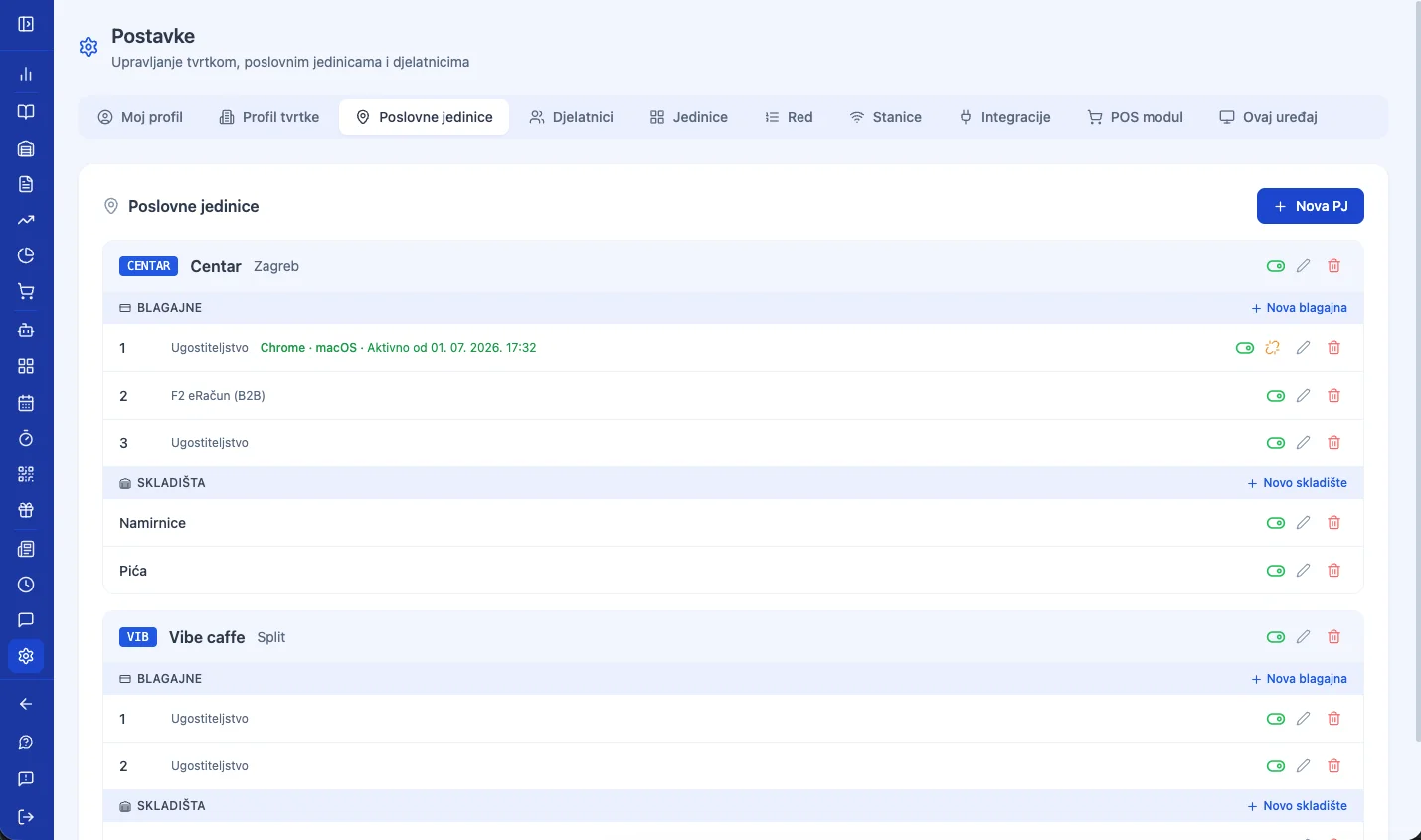
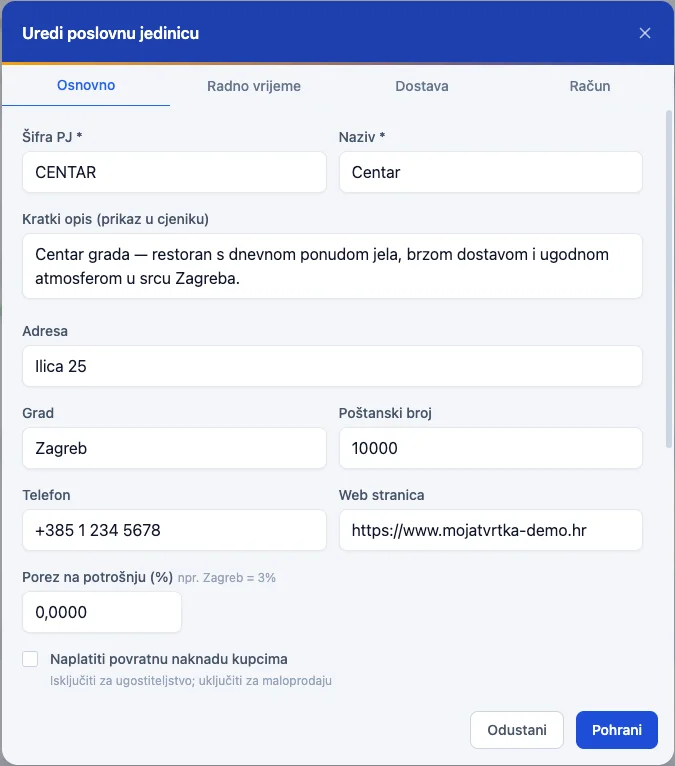
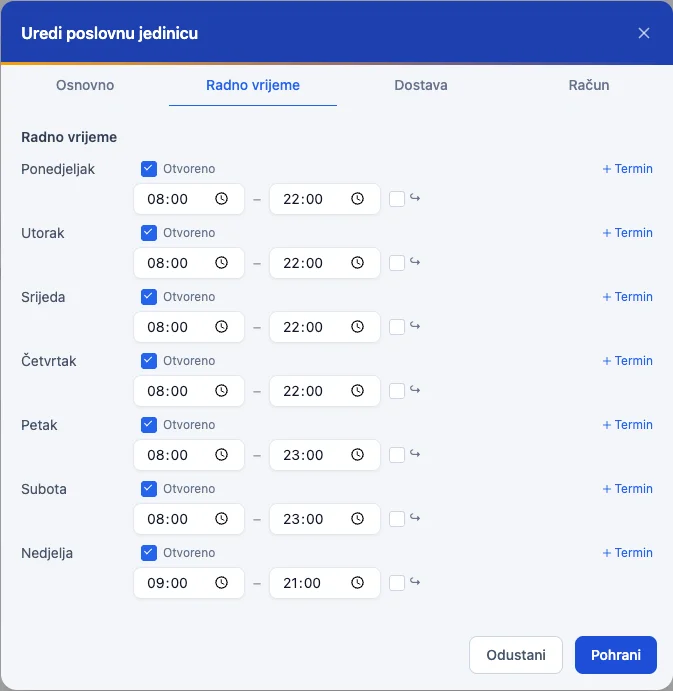
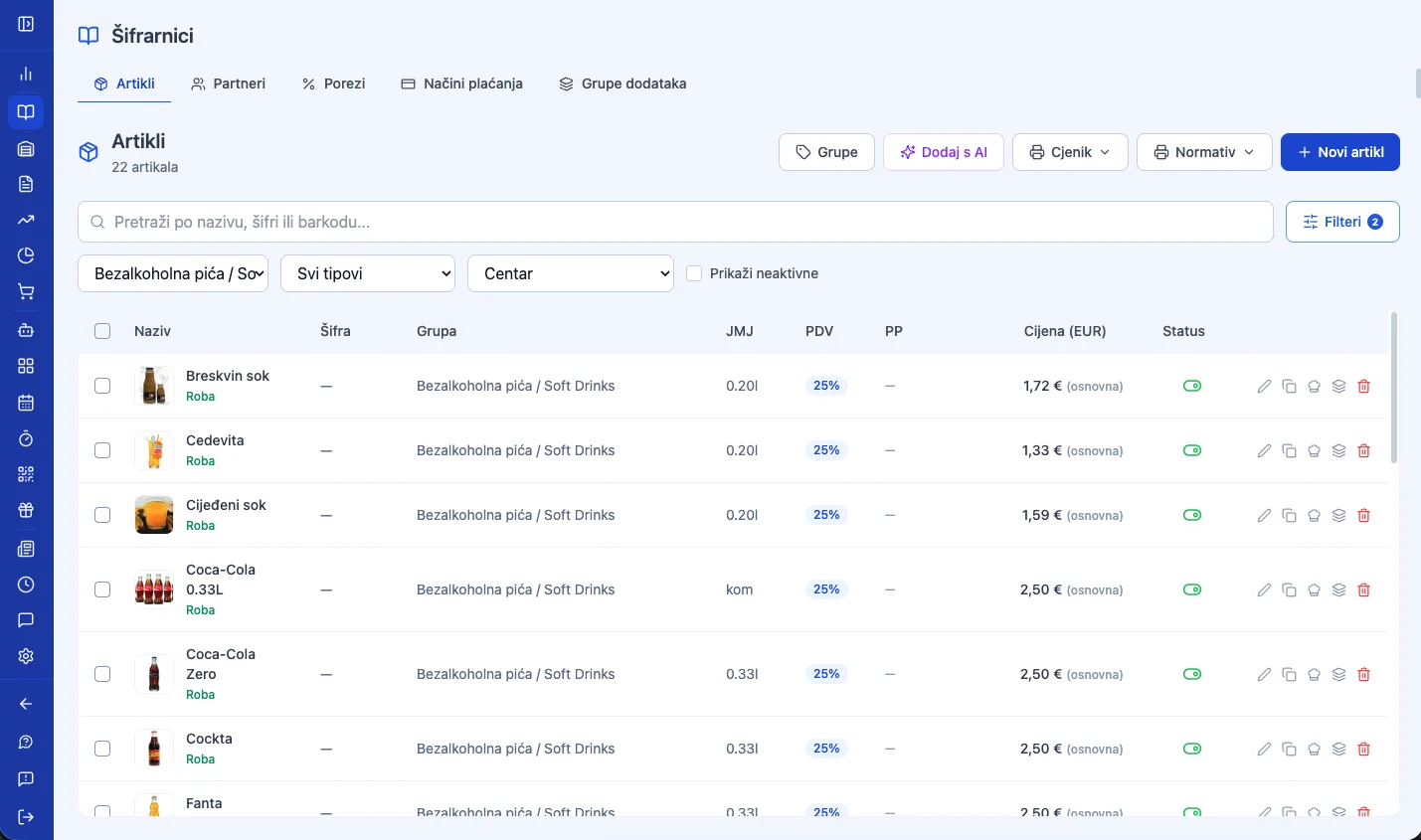
Every location — a café, bar, or patisserie — has its own address, opening hours, registers, and prices. You manage them all from a single account.
01
Every location, its own settings
Address, opening hours, delivery, and its own receipt sequence per register — add a new business unit when you open a new venue, with no new account or separate login.
Riva Café BarOpen 8am–11pm
02
Same catalog, different price
One item, multiple locations — set the price and availability separately for each business unit, without duplicating the whole catalog.
EspressoRiva €1.50Downtown €1.80
03
A business day that fits your rhythm
Open until 2am? Set when your "business day" starts — sales after midnight still count toward the right shift and the right daily report.
Business day starts 6:00am
04
Reports by location
Compare revenue and best-sellers across locations, or track each location's growth against the same period last year (like-for-like) — you know which one's growing and which one's stalling.
Downtown €18,420Branch €11,960
Location settings
Opening hours by day
Prices by location
Register
Every register, its own receipt number.
The first register comes with the business unit. Every additional one — at the bar, on the terrace, or on a mobile device — has its own type, receipt sequence, and staff.
POS Boss · Receipt
47/1/1
Sequence no.Business unitRegister
The sequence is per register and never repeats — even offline, where a temporary number becomes final the moment the connection returns.
Register type
Hospitality, retail, or an internal (transfer) register for inter-warehouse transfers — chosen when you create it.
Receipt numbering
Every register has its own starting number and sequence — F1 receipts never overlap between registers.
Fiscalization
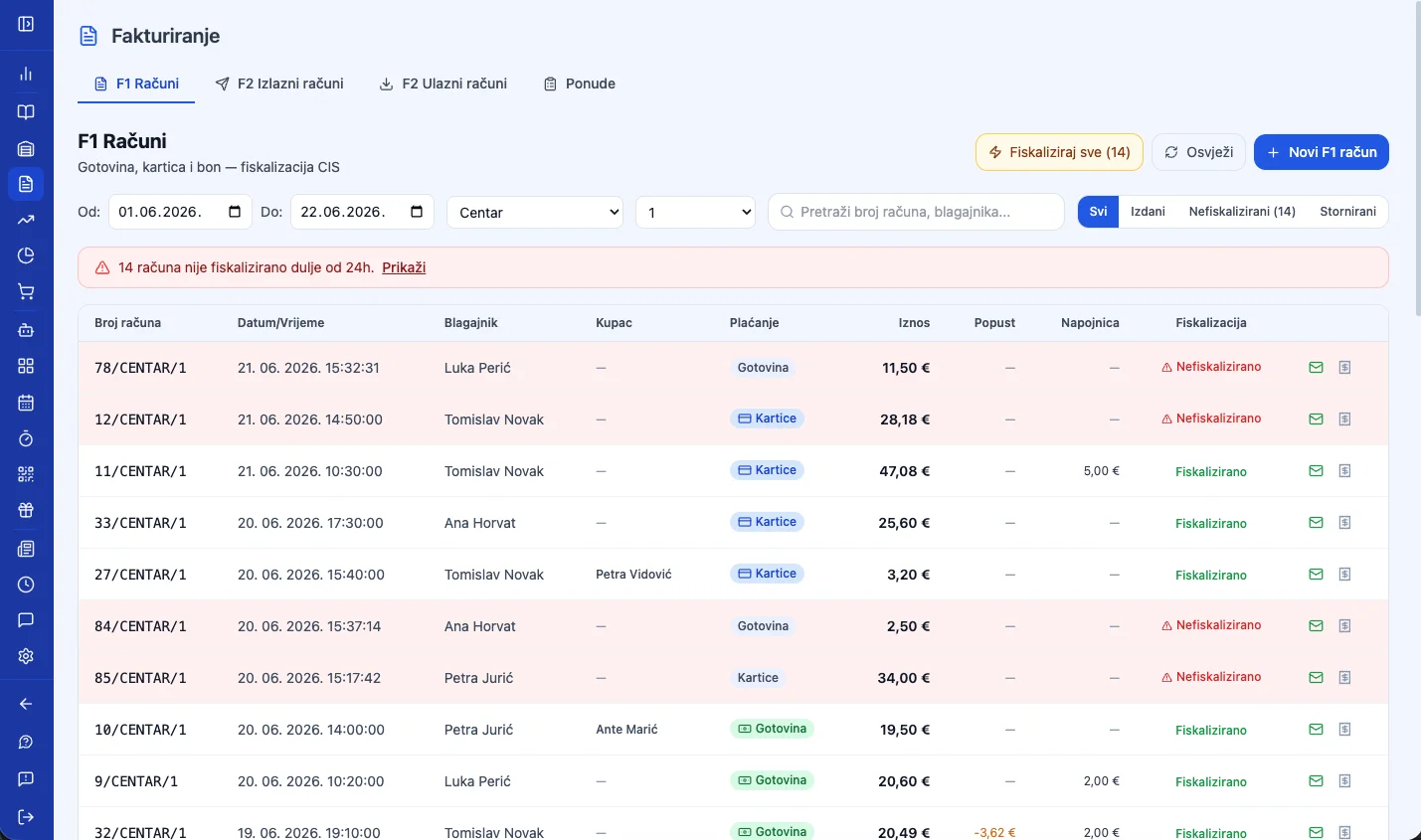
If a receipt isn't fiscalized at the moment it's issued, the system fiscalizes it automatically afterward — the manager can see at any time whether there are unfiscalized receipts.
Warehouses
Multiple registers can share the same warehouse or each use its own — a sale deducts stock from the right place immediately.
Receipt footer
Customize the printed footer text per register, or keep one shared text for the whole location.
F1 receipts by register
Works without the POS module too
A register doesn't need a special device to issue receipts. Log into the app from any computer, open Invoicing, and manually issue an F1 or F2 receipt — with its own number and fiscalization. When you need faster checkout right at the register, upgrade it with the POS module.
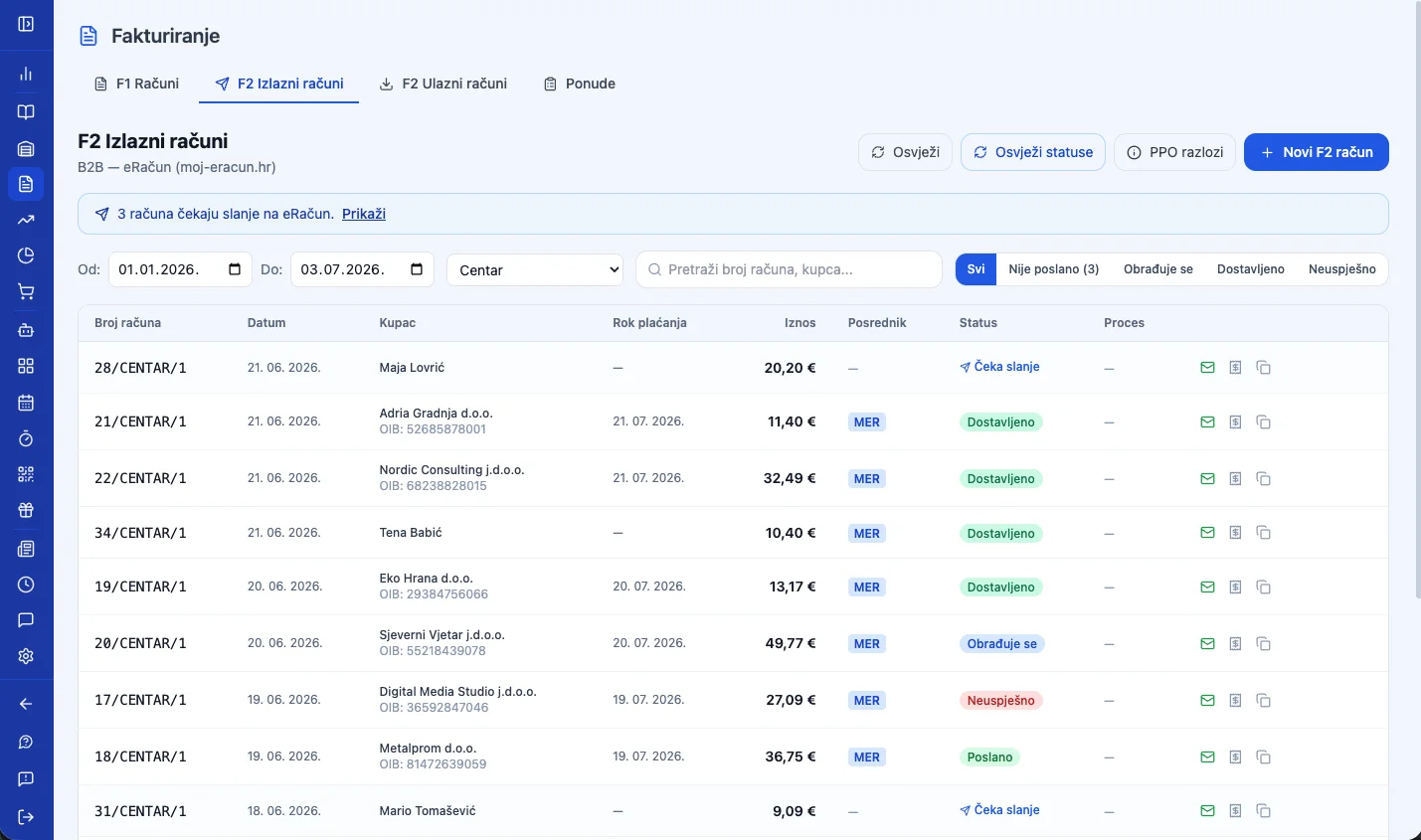
F2 e-Invoice for businesses
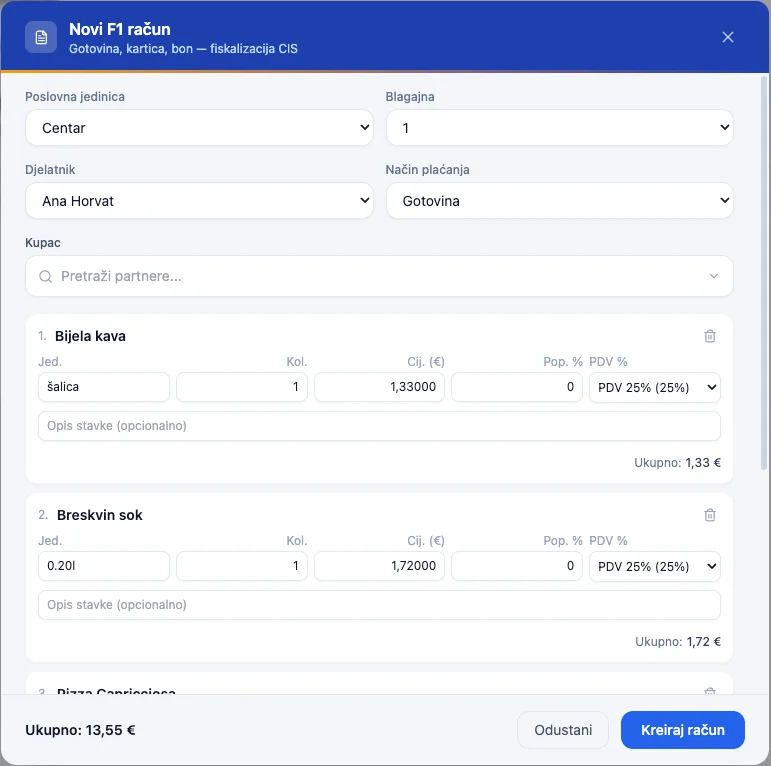
Manual receipt creation in a few clicks
Pick the business unit, register, and employee, add items, and charge — no POS interface, straight from Invoicing.
Fiscalization — JIR and ZKI
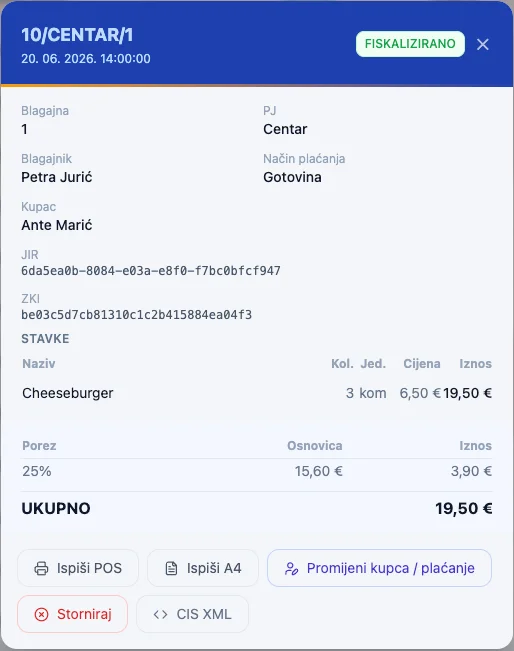
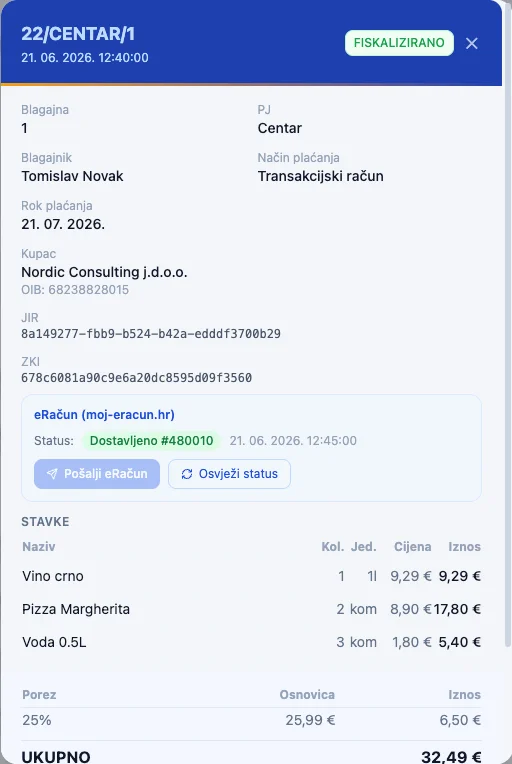
Every F1 receipt gets a JIR and ZKI immediately after issuing — both you and the customer have proof the receipt reached the Tax Administration.
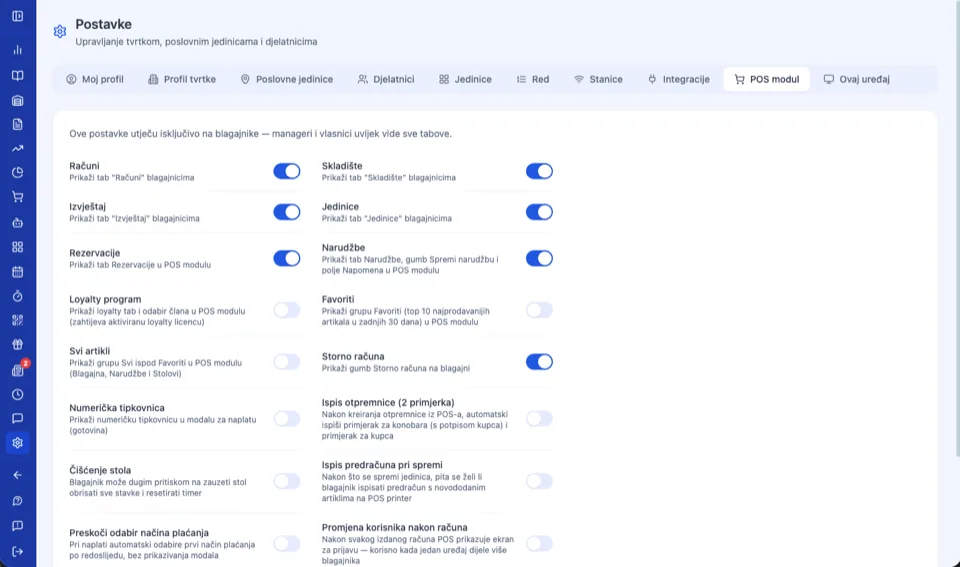
POS module
A register upgrade for fast checkout.
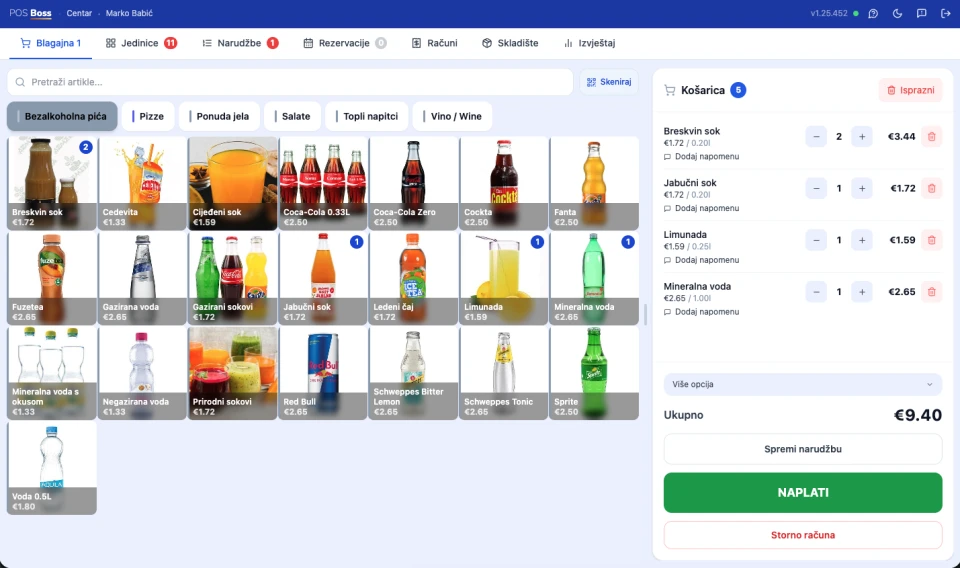
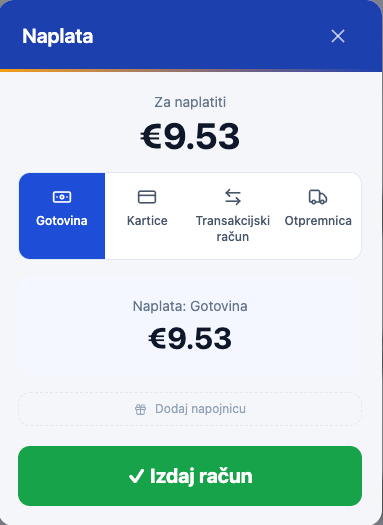
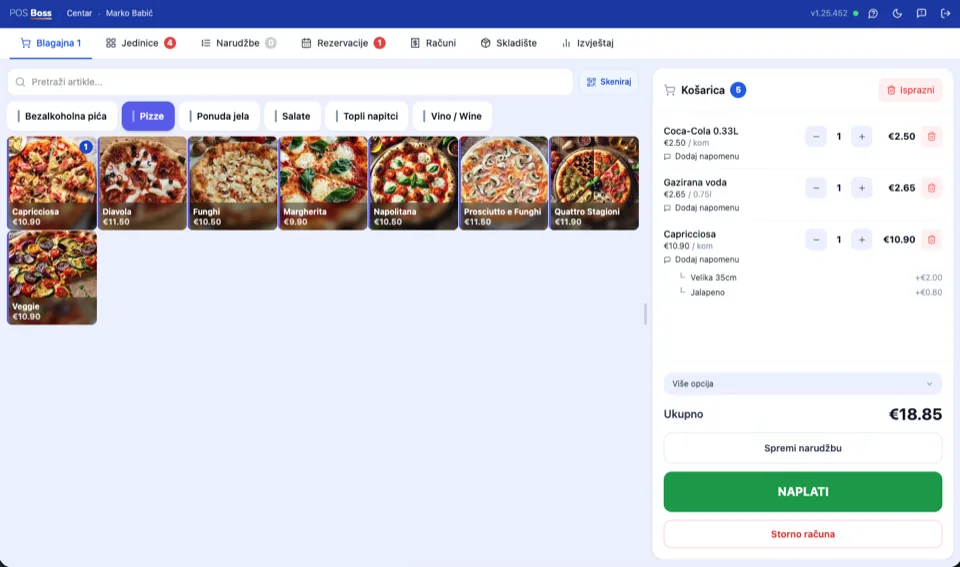
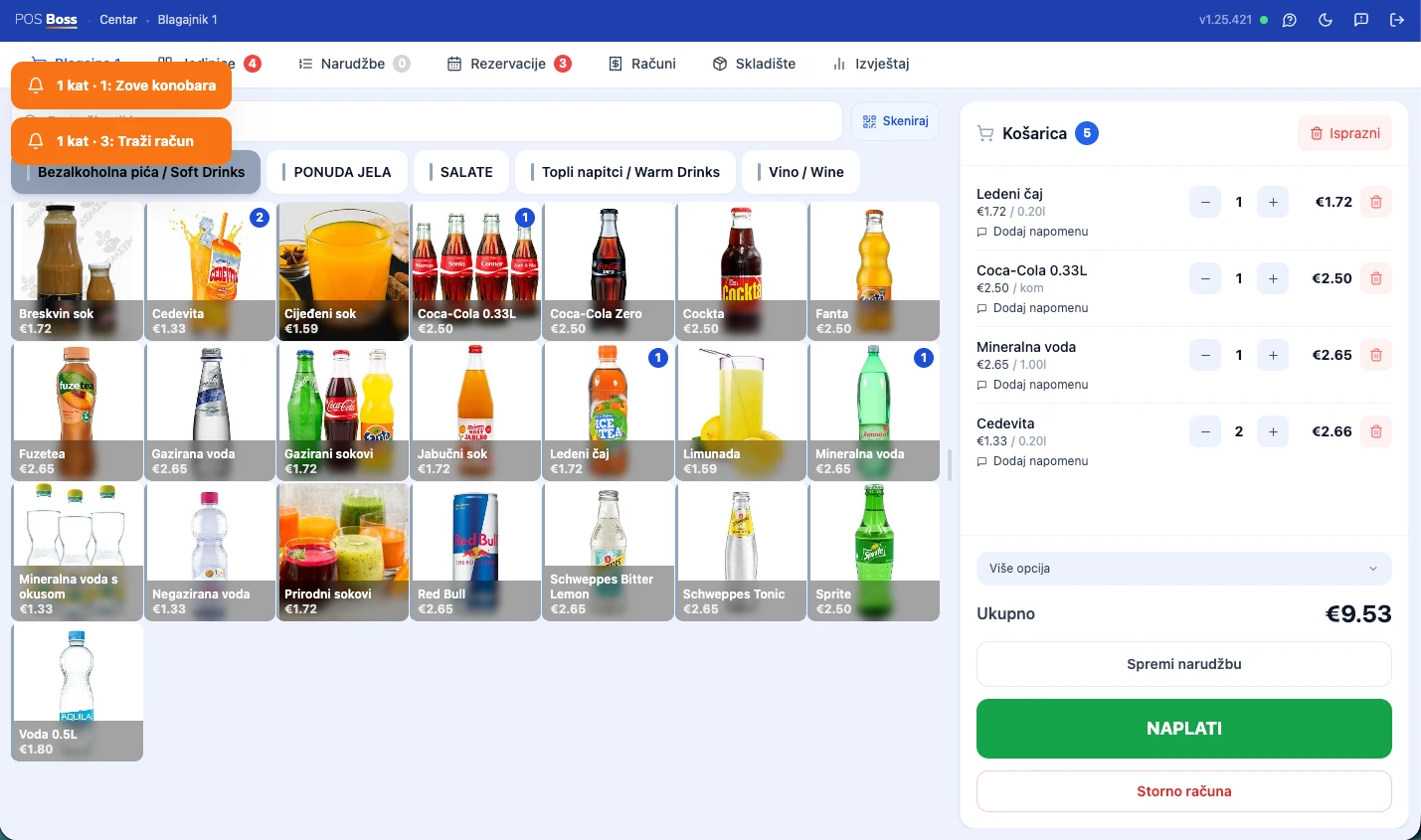
A register issues receipts without it too. The POS module is a fast checkout screen tied to a device — with favorite items, modifiers, and every payment method on a single receipt.
Tied to the device, ready for the shift
Chrome · macOS — Active since Jul 1, 2026
The POS module is bound to a device — a manager frees it up for another device or tablet with one click. Shifts hand over without logging out: the next cashier enters a PIN or taps an NFC card, and the cart stays untouched.
Watch it live
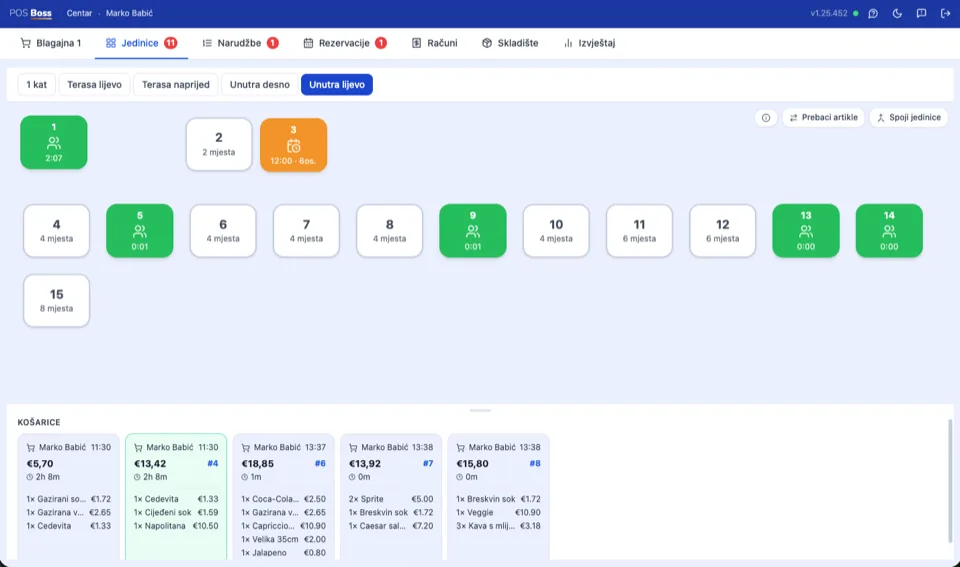
Tables & guests
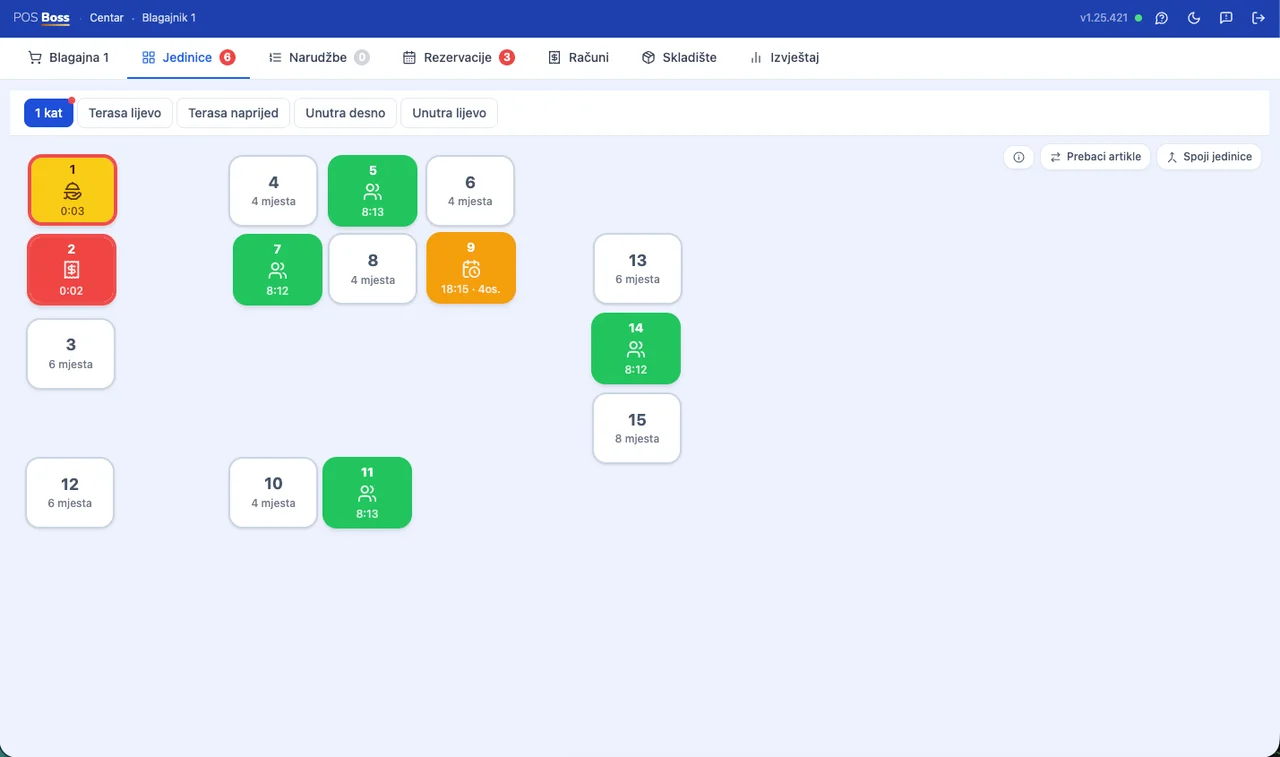
A view of every table, in real time.
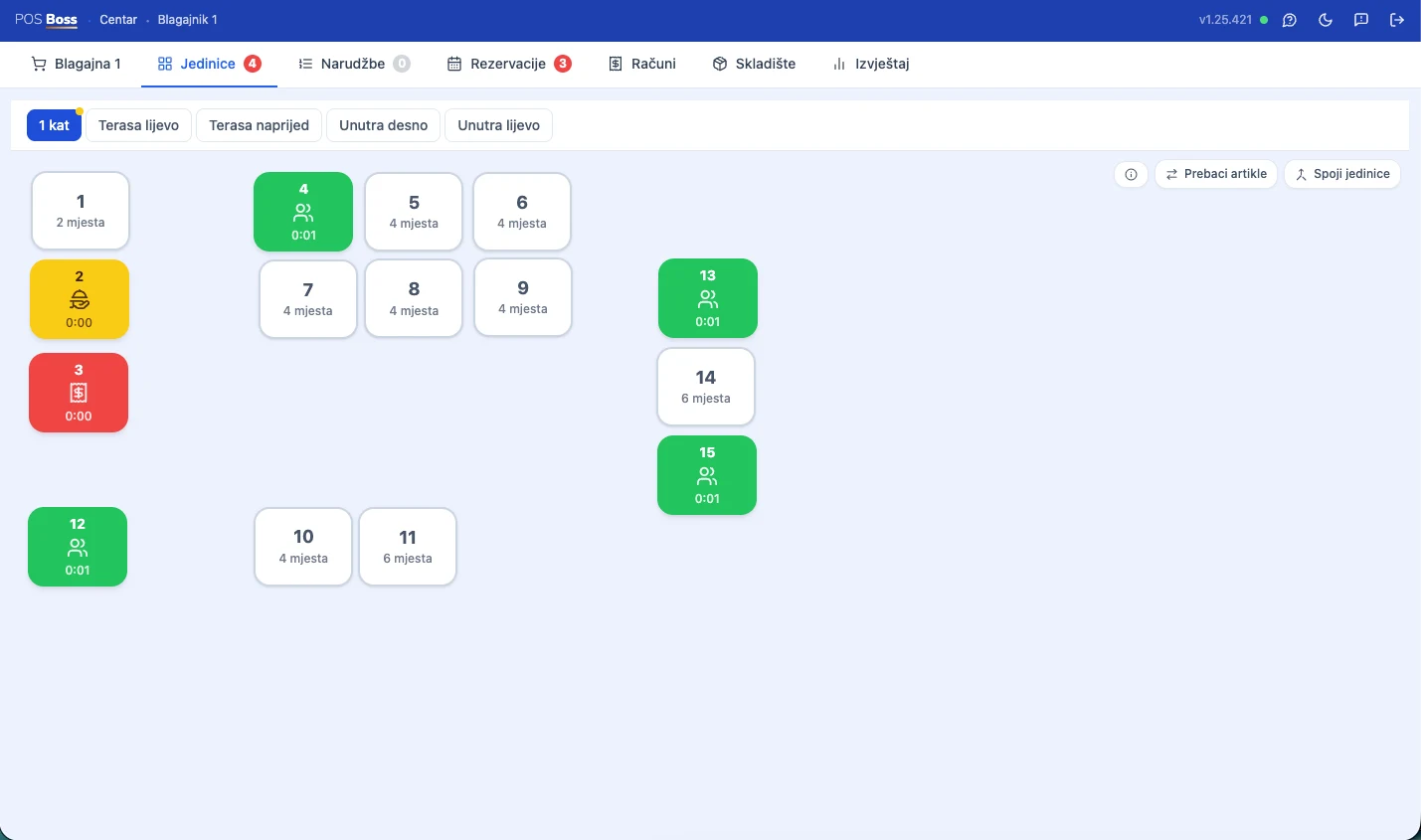
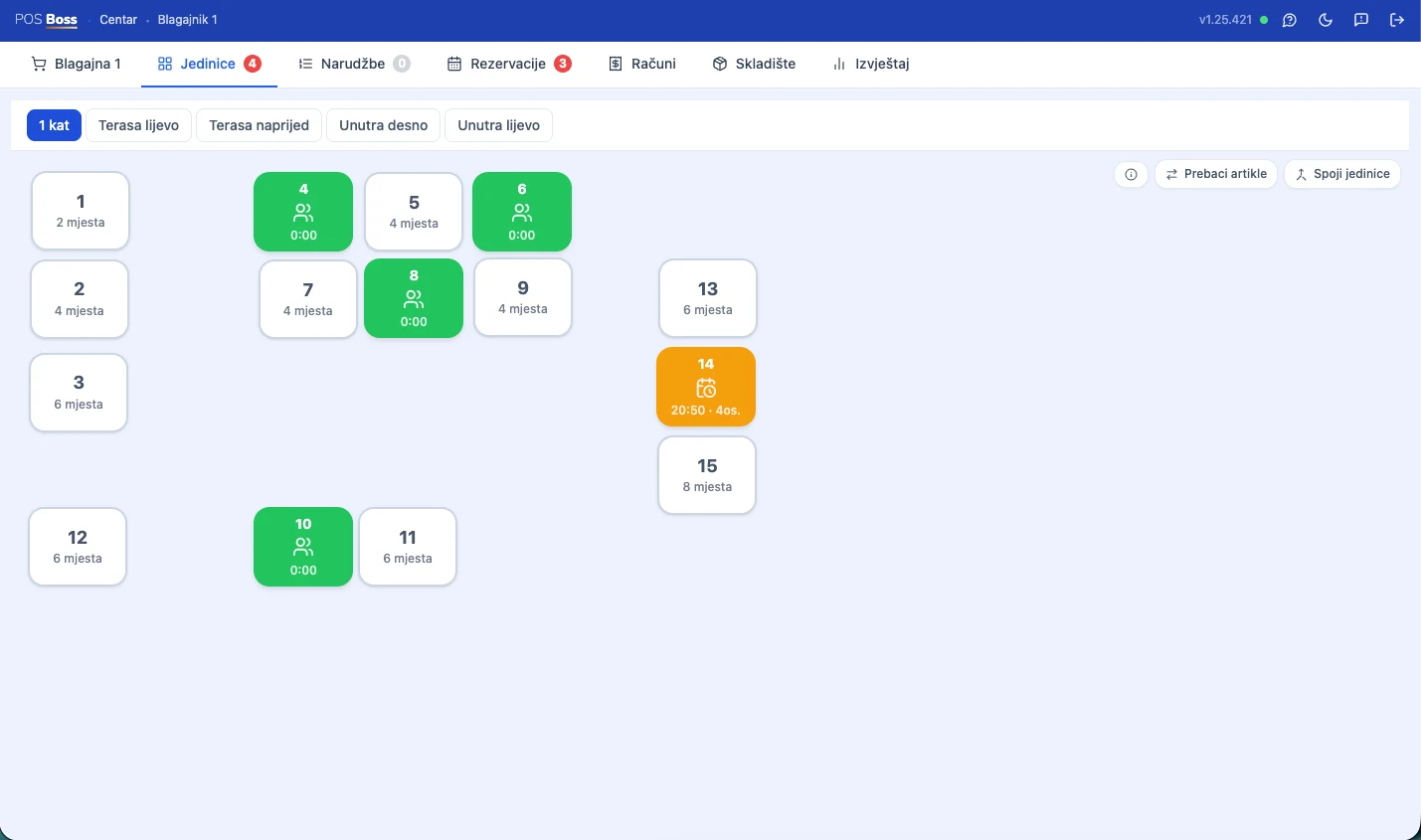
The floor plan shows every table's status at a glance — free, occupied, reserved, calling the server, or requesting the bill. Every request arrives as a notification on all POS screens, instantly.
Occupied — shows duration Reserved — counts down to guest arrival Calling the server — shows wait time Requesting the bill — shows wait time Free
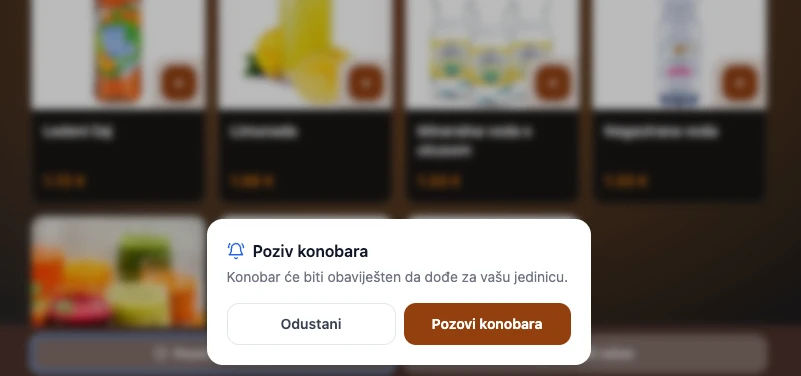
Calling the server
The guest calls the server with a single tap, directly from the digital menu — no need to flag anyone down.
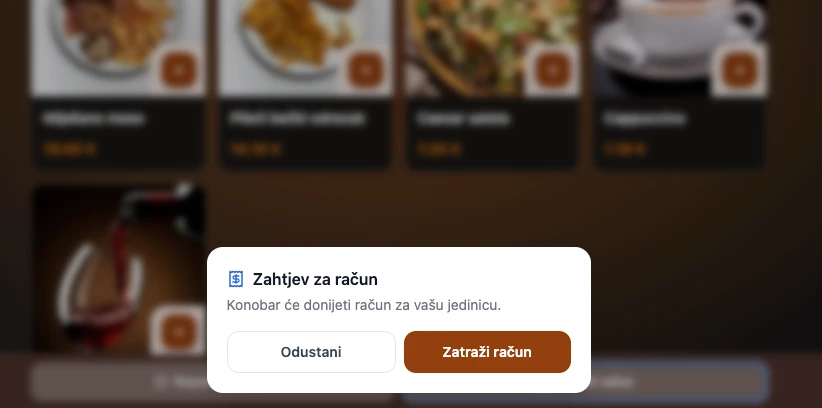
Bill request
When they're ready to pay, one tap sends the request — the server knows instantly, without walking to the table.
Instant notifications on every screen
An orange banner pops up at the top of the POS no matter which screen is open — with a sound so nothing is missed.
Instant notifications on every screen
An orange banner pops up at the top of the POS no matter which screen is open — with a sound so nothing is missed.
Order overview
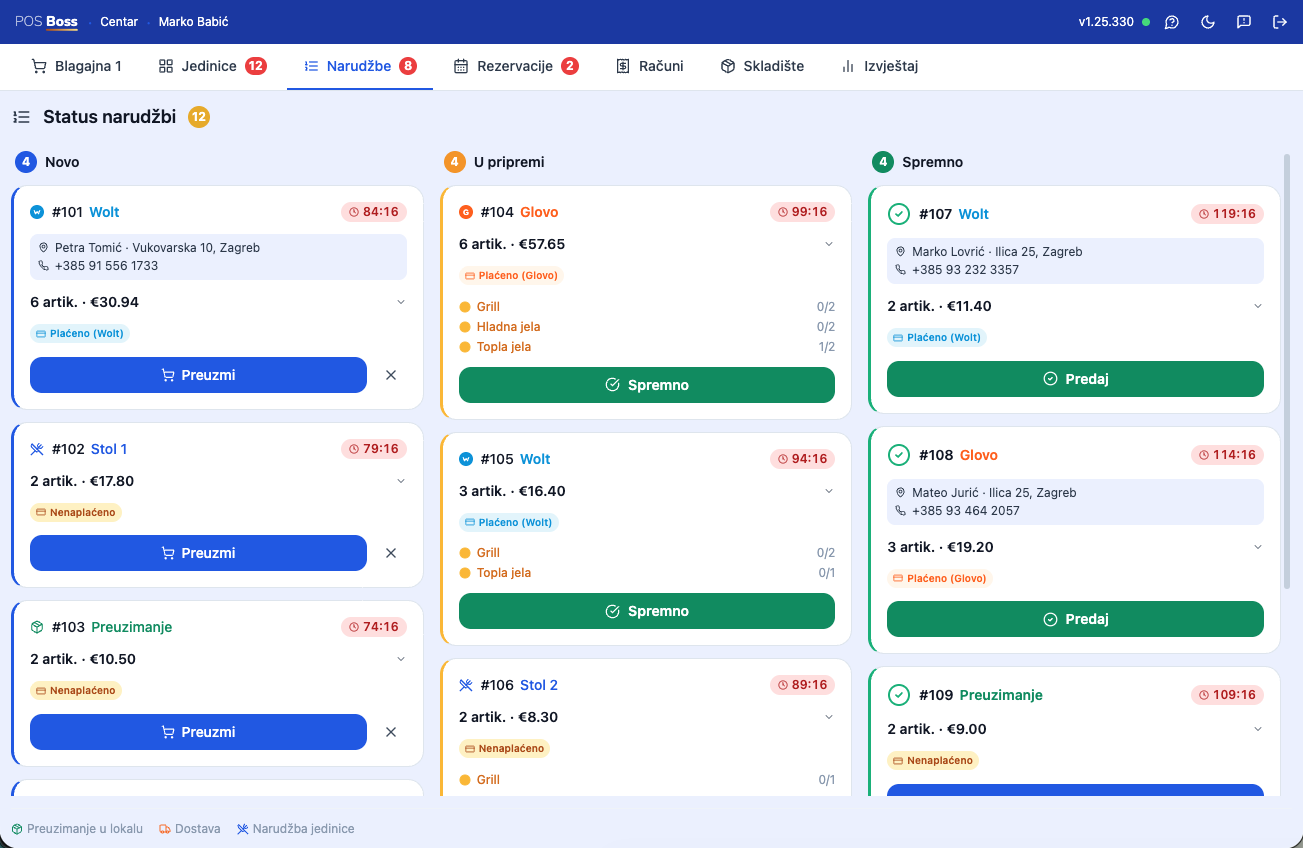
Order overview on a tablet.
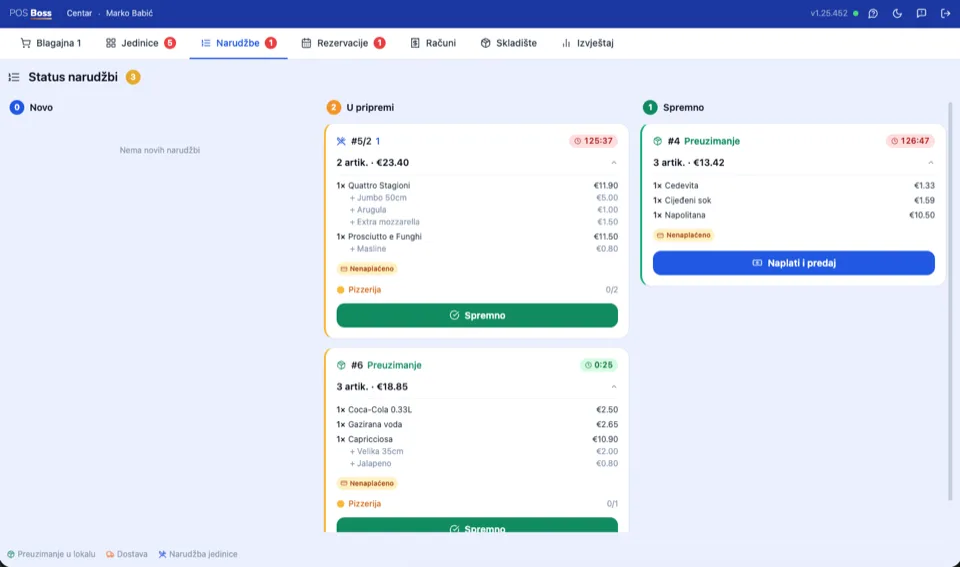
A view of incoming orders with options to accept and intelligently split by item — staff always know where every order stands and what's still coming.
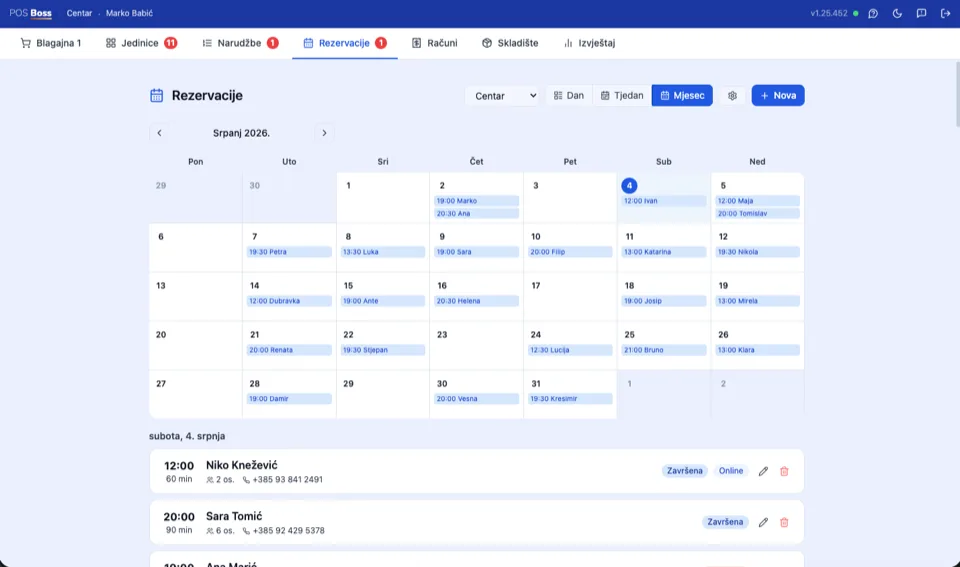
Reservations
Guests book on their own, no sign-in.
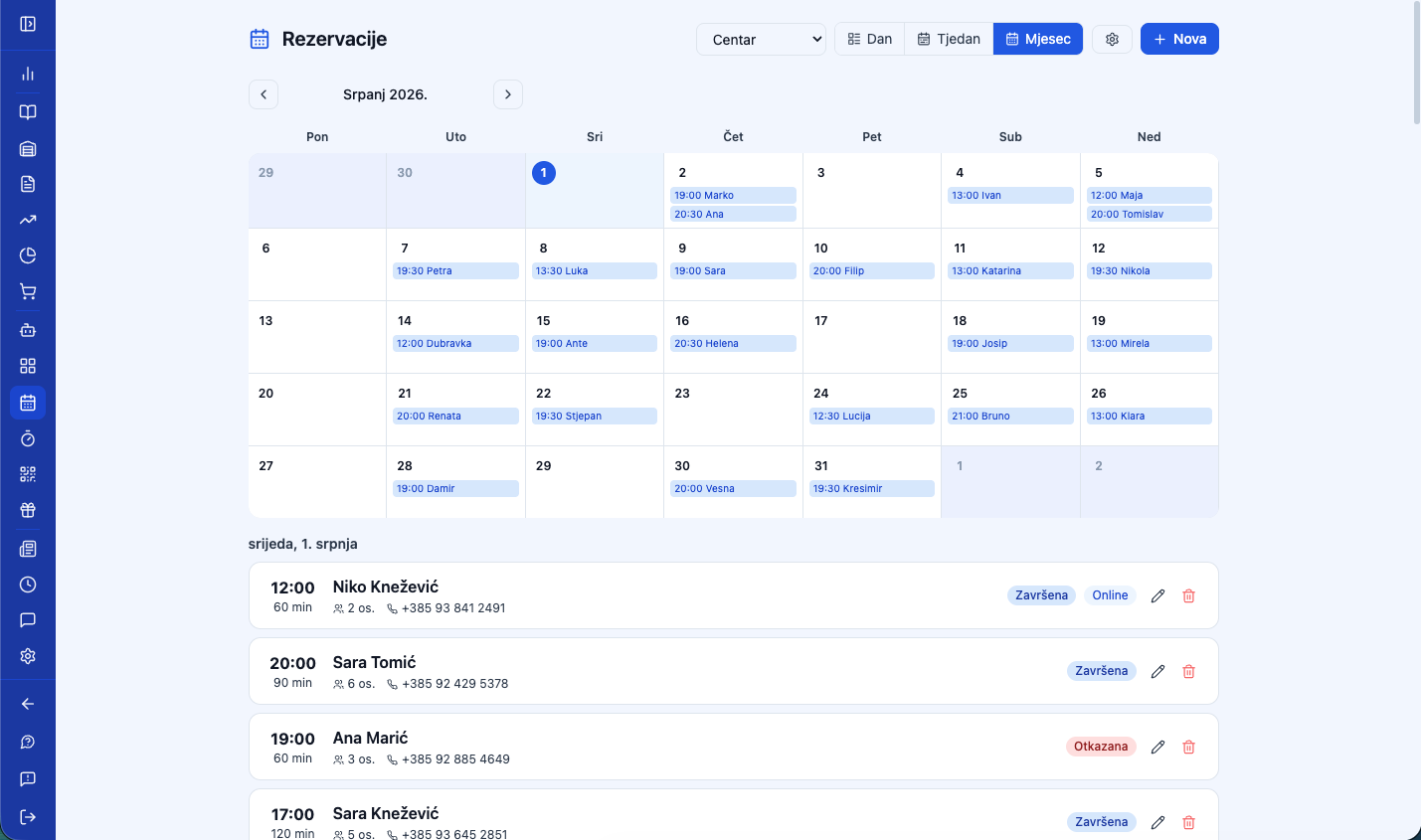
They pick a date, party size, and get confirmation by email — no phone calls, no app. Staff see every reservation in one calendar and get notified for each new one.
Directly from the digital menu
The guest books from the same QR code they order from.
A calendar for staff
Every reservation in one place — date, party size, guest name.
Automatic email confirmation
The guest gets confirmation instantly, with no manual reply needed.
Digital menu & ordering
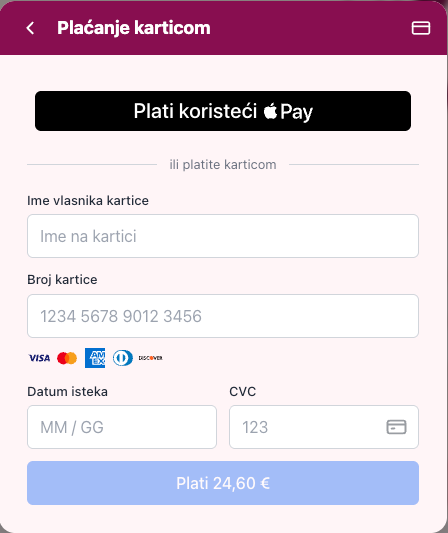
The guest orders on their own. By card, no waiting.
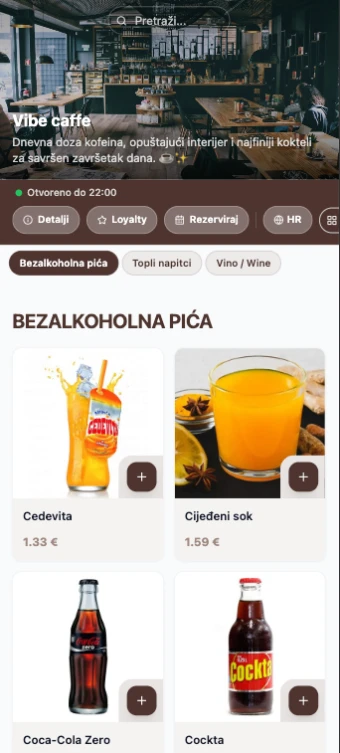
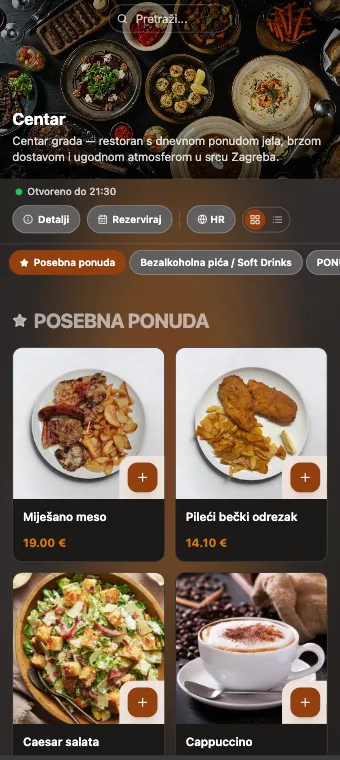
A QR code on the table opens the menu in a second — no sign-in, no app, no waiting for a server.
Scan → order → pay
One QR code on the table. The menu opens instantly in the browser — the guest sees prices, photos, allergens, and orders without waiting for a server.
No sign-inNo app
The server confirms, the bar knows instantly
The guest sends the order from the digital menu, the server confirms it with one tap — and the order reaches the barista at the bar instantly.
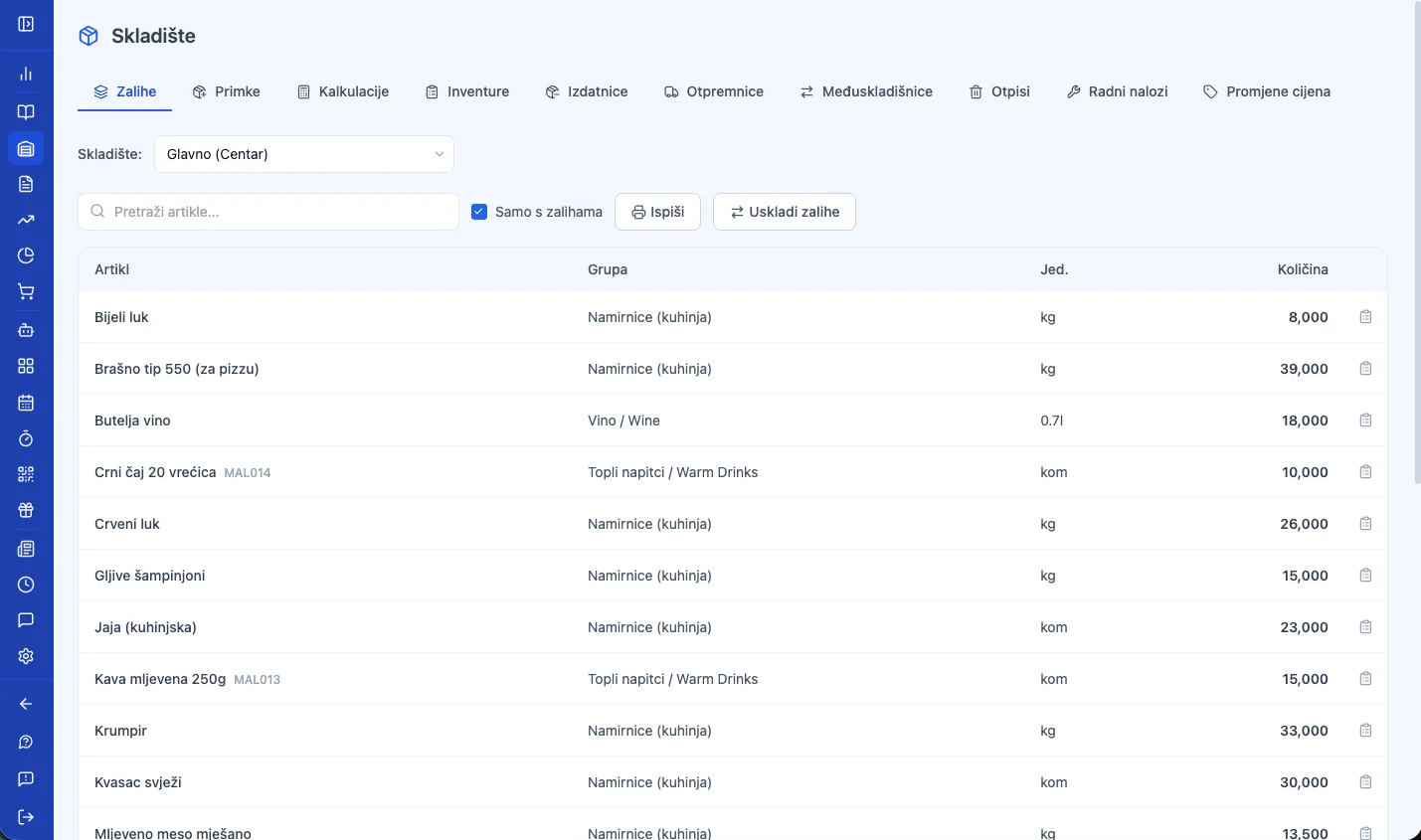
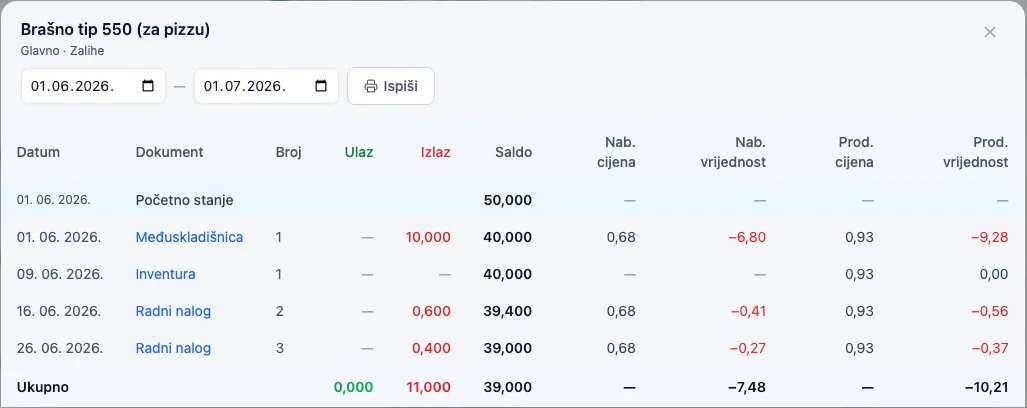
Goods receipts, write-offs, stocktaking, and inter-warehouse transfers — all in one place, with an item card that records every movement. The system tracks stock on its own, you just decide.
01
Goods receipt in one scan
Photograph the supplier's invoice with your phone — AI recognizes the items, quantities, and prices and fills in the goods receipt itself. All that's left is your confirmation.
Every goods receipt, write-off, or inter-warehouse transfer changes stock levels instantly, and you can edit any document later — the item card keeps a history of every movement.
Coffee beans-1.2 kg sold+25 kg received
03
Stocktaking and dead stock
A stock count with automatic correction of discrepancies, plus a view of items that sit on the shelf without selling — you know exactly where your money is stuck.
Vanilla syrup0 sales in 45 days
Work-hour tracking
Shifts log themselves, no paper, no spreadsheets.
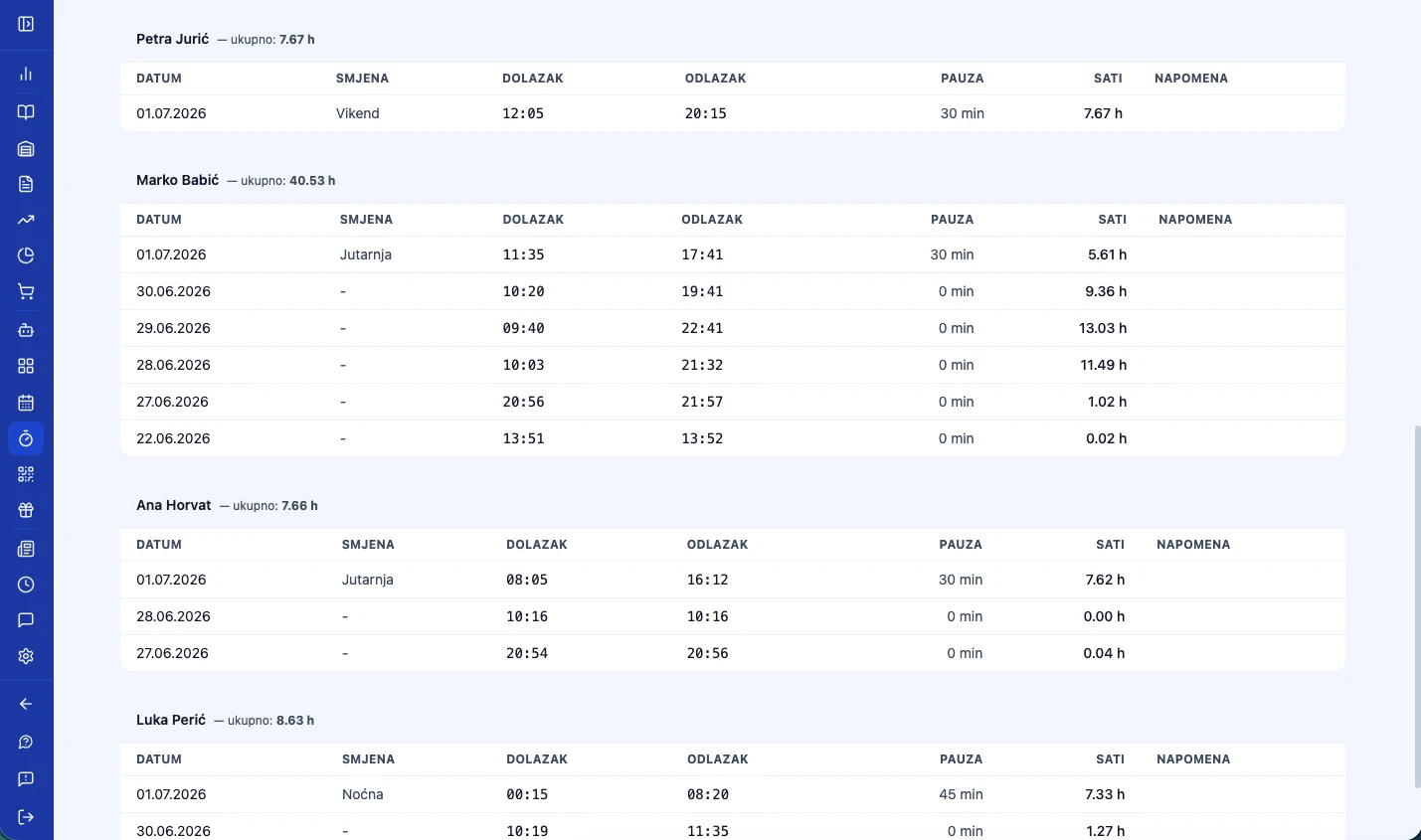
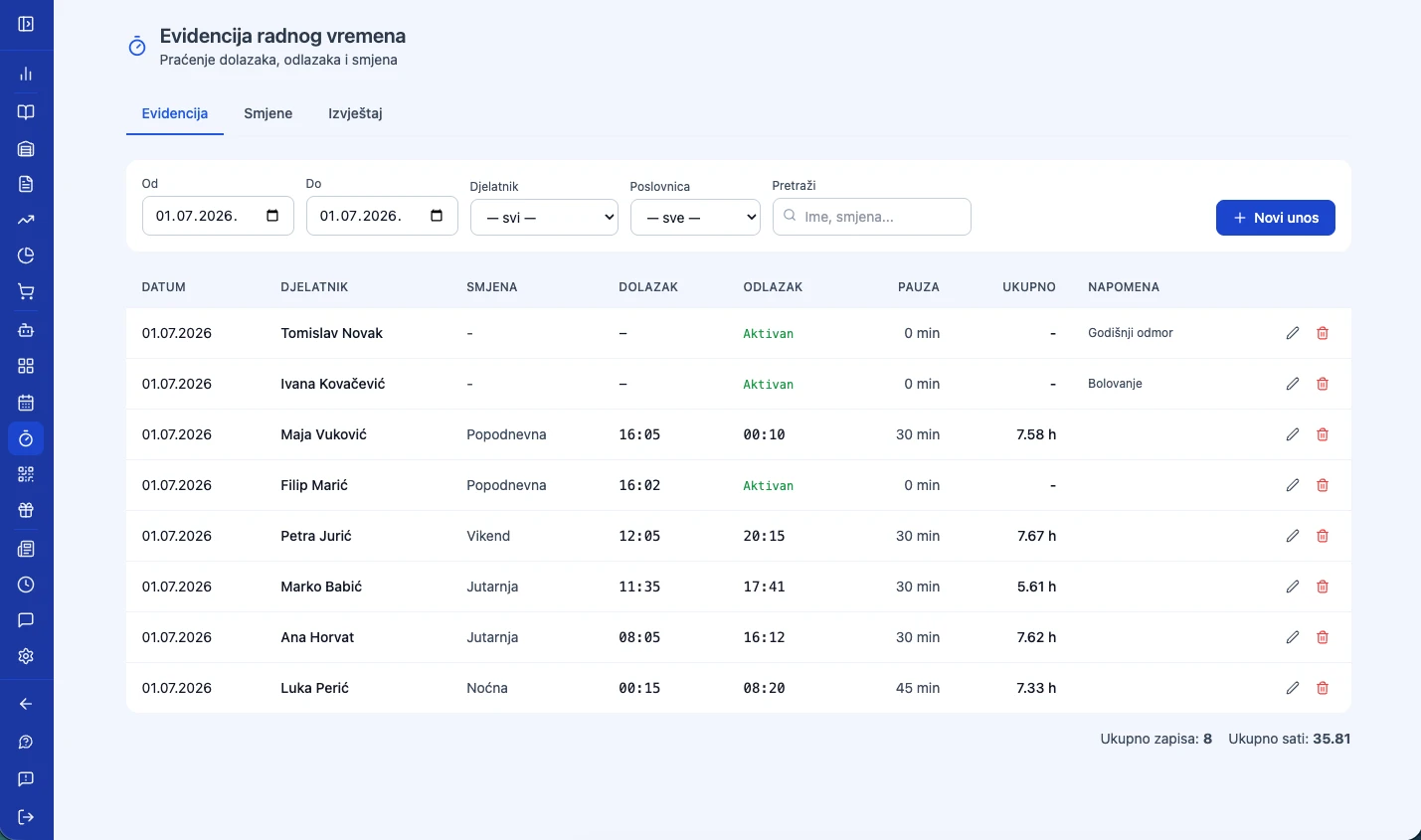
The employee clocks in with a PIN or NFC card on the POS — the shift starts and ends automatically. You see hours worked per person and print a payroll report with one click.
01
Clock in with one tap
The employee logs in with a PIN or NFC card on the POS — the shift starts automatically, no separate clock-in needed. Clock-out is just as automatic, on logout.
Ana K.Active shift · since 8:02am
02
Shift and break templates
Define shift templates with colors and break durations — the system warns when a shift runs over or a break takes too long.
The manager sees total hours per employee, corrects an entry manually if needed, and prints a payroll report — it all works offline too, with auto-sync once the connection returns.
Ana K. — 162h this monthReport ready
Loyalty program
Loyal guests come back. You know who they are.
Points, stamp cards, coupons, and gift cards — guests track it all through the loyalty portal, and you see who visits most often and how much they spend.
01
Every receipt earns points
Points are calculated automatically from the receipt amount. For tiers (Bronze → Silver → Gold), you set the points multiplier per level yourself — or keep it the same for everyone.
BronzeSilverGold
02
The guest picks a reward
From the loyalty portal, the guest chooses how to redeem points — for a free item or a discount on the receipt.
Free itemDiscount €
03
Applied at the register
The guest shows their QR loyalty card, or staff look up the profile by number — coupons and stamp rewards apply with a single tap.
Discount applied — total: €18.00
04
Stamp cards
Buy 6 coffees, get the 7th free — the classic model, digitized, no paper cards.
2 / 6
05
Gift cards
Sell gift cards with a fixed value — activated at purchase, redeemed on the next visit.
Gift cardGC-7734
€50.00
06
RFM analytics
Your top 50 guests by value, frequency, and recency — see who your real VIP guests are.
1. Ana K. · 42 visits€612
2. Marko P. · 38 visits€540
Calculate your price
A package for Cafés & Bars
Modules are pre-selected for your industry — adjust as needed.