Payments
Every payment method.
Automatically fiscalized.
Cash, card, KEKS Pay, bank transfer, and crypto — every transaction is automatically recorded, fiscalized, and linked to the receipt.



What you accept
Every payment method in one place
Each method is recorded separately, included in reports, and fiscalized per regulations — no manual corrections.
Cash
Standard checkout payment with automatic change calculation, cash drawer management, and fiscalization of every transaction.
Card payment
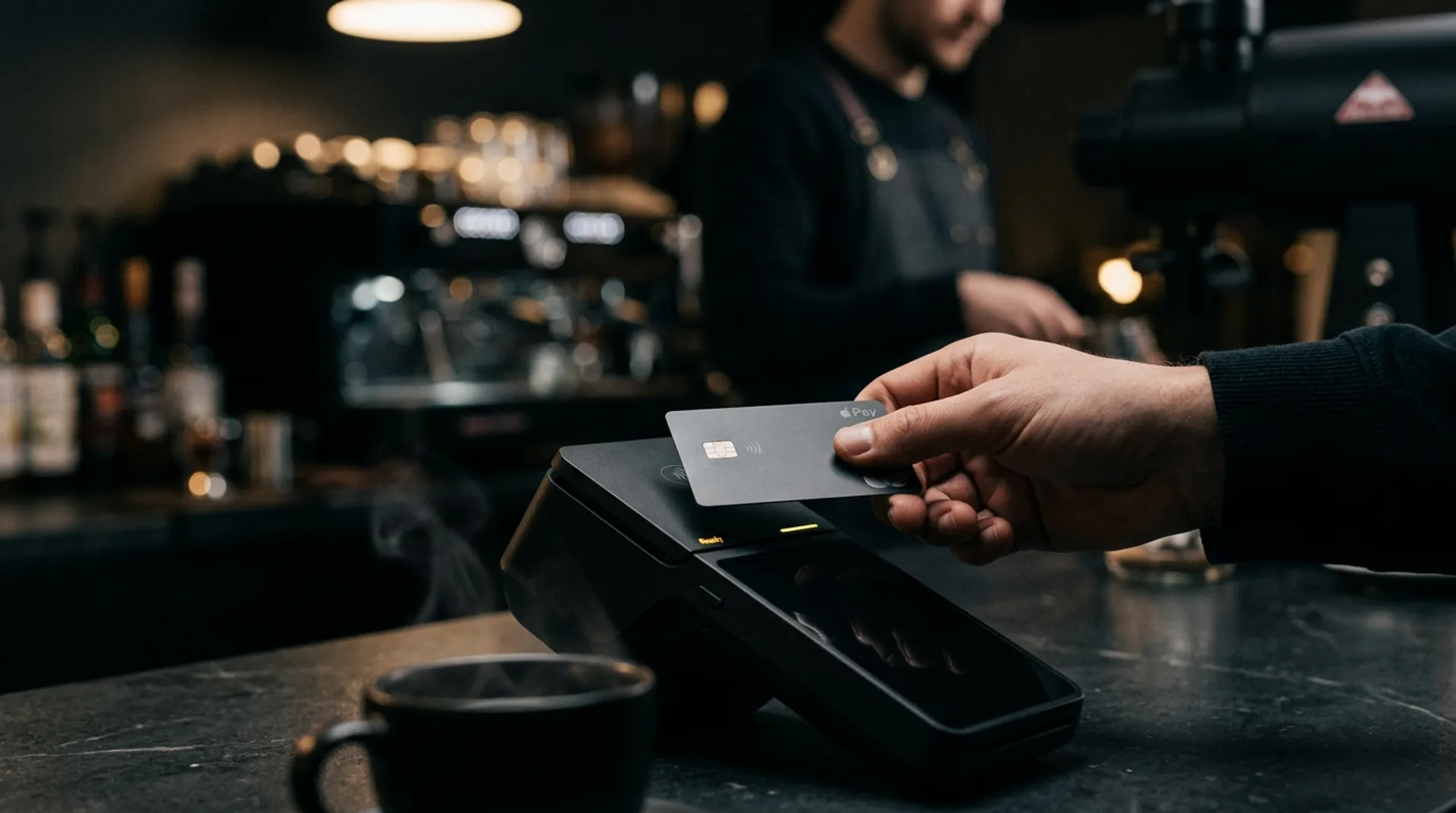
Payment via card terminal — Viva, Teya, myPOS, and M2PAY connect directly to the POS. The amount is sent automatically, with no manual entry.




KEKS Pay
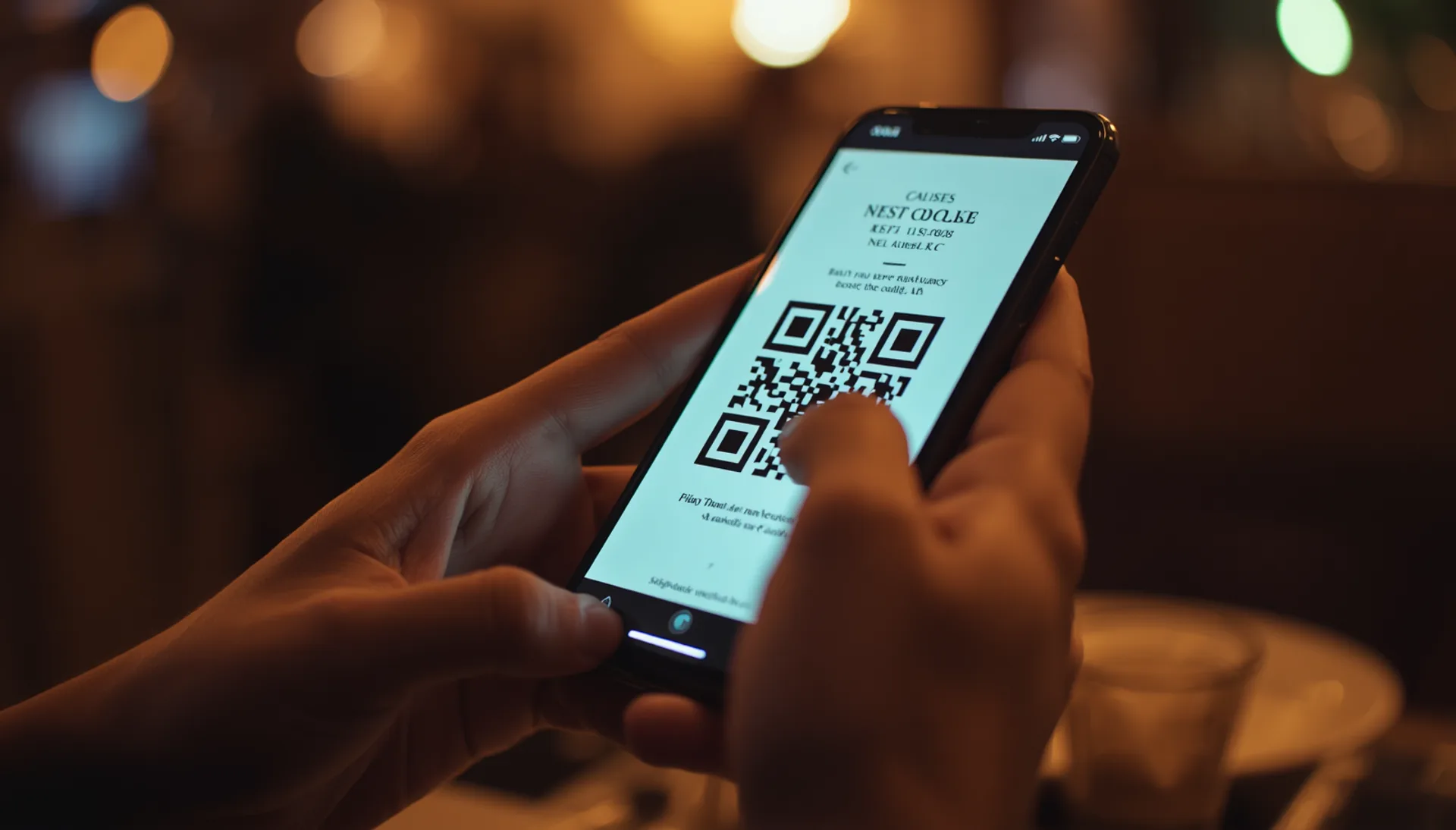
The guest scans a QR code from a printed or digital receipt and pays in the KEKS app. No new hardware, no waiting for a terminal.

Bank transfer
For B2B invoices and subscriptions — payment to a bank account, linked to the issued invoice.
Crypto (PayCek)
Accept cryptocurrency payments through the PayCek integration, for businesses that want to offer guests a modern alternative.

Split payment
Combine cash and card on the same receipt — each method is recorded separately and fiscalized per regulations.
Card terminals
Card payments without manual entry
The terminal and the POS are directly connected — the amount is sent automatically, with no typing, and the fiscalized receipt is only created after payment is confirmed on the terminal. The cashier never enters the amount manually and can't fiscalize until the guest confirms payment.
- ✓ The amount is sent to the terminal automatically — no typing, no errors
- ✓ Fiscalization only after payment is confirmed on the terminal
- ✓ Card details (type, masked number, auth code) are printed on the receipt
- ✓ Split payment — part cash, part card on the same receipt
Supported processors
Four processors, directly connected
Choose the processor you already have a contract with, or the one you prefer — POS Boss connects to terminals from all four.
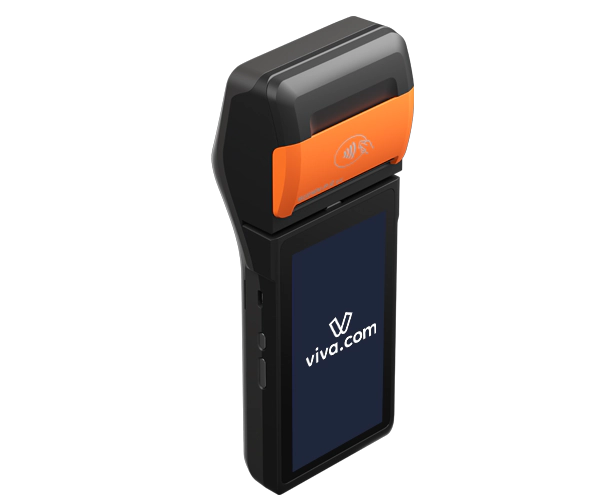
Viva
Terminal and mobile payments (Tap to Pay)
Viva POS P2SE i drugi podržani Android terminali
- ✓ Visa, Mastercard, Maestro, Apple Pay, Google Pay
- ✓ Tap to Pay — accept payments directly on your phone, no extra hardware
- ✓ Live payment status visible in the POS
- ✓ Smart Checkout — card payments on the digital menu too
Ideal for: businesses that want the flexibility of a cloud terminal, mobile payments, and online menu checkout in one integration
Learn more (vivawallet.com)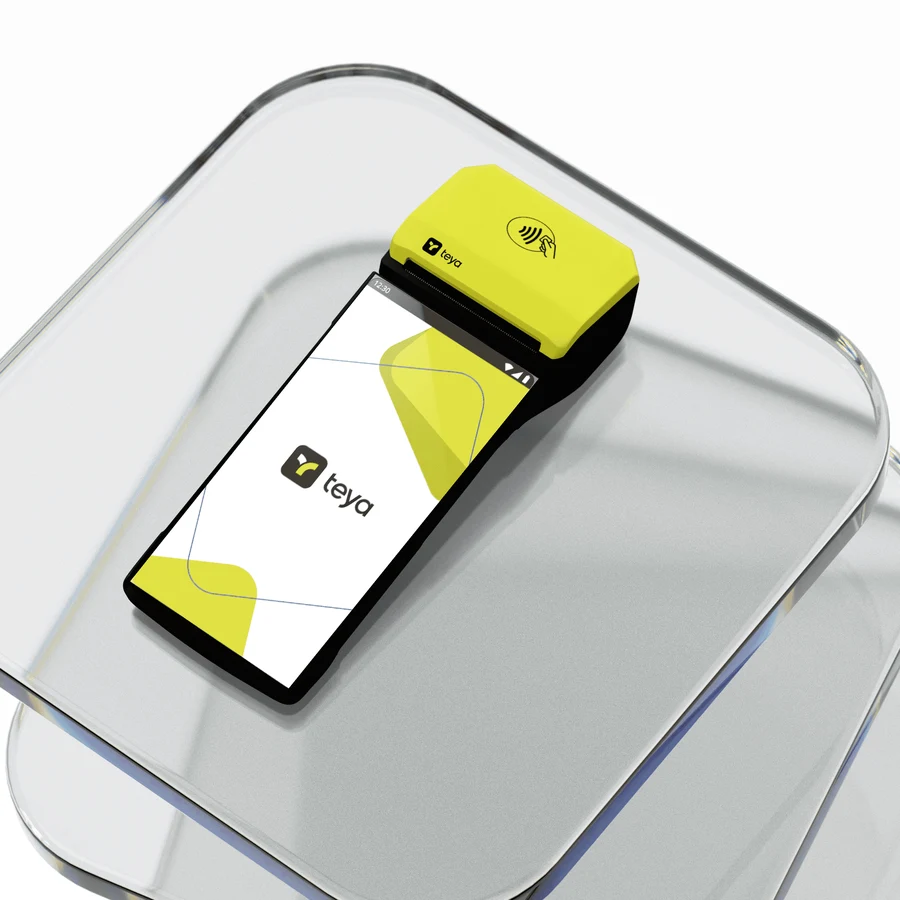
Teya
Card payment terminal
Teya Pro i Android AIO terminali
- ✓ Visa, Mastercard, Maestro, Amex, Diners Club
- ✓ Apple Pay, Google Pay, Samsung Pay
- ✓ Automatic refund when a receipt is voided
- ✓ AIO mode — native payment directly on the Android terminal
Ideal for: businesses that want broad card support and automatic refunds without cashier intervention
Learn more (teya.com)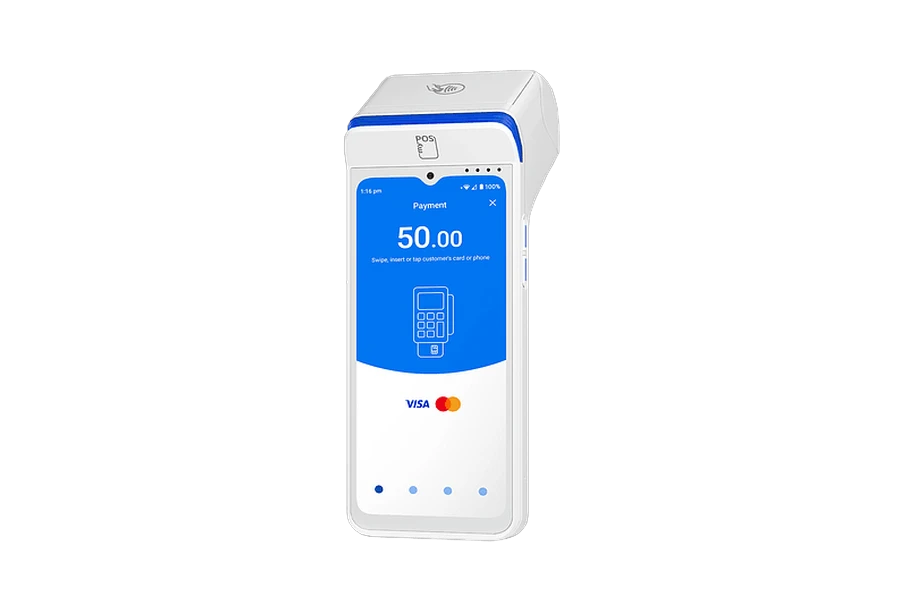
myPOS
Android terminal with no fixed fee
myPOS Ultra, Carbon, Sigma
- ✓ Visa, Mastercard, Maestro, Apple Pay, Google Pay
- ✓ Payout to your account in seconds, no bank request needed
- ✓ Ultra mode — automatically opens the payment screen
- ✓ Built-in printer — automatically prints the receipt for the customer
Ideal for: businesses that want to avoid a fixed monthly terminal fee and get fast payouts
Learn more (mypos.com)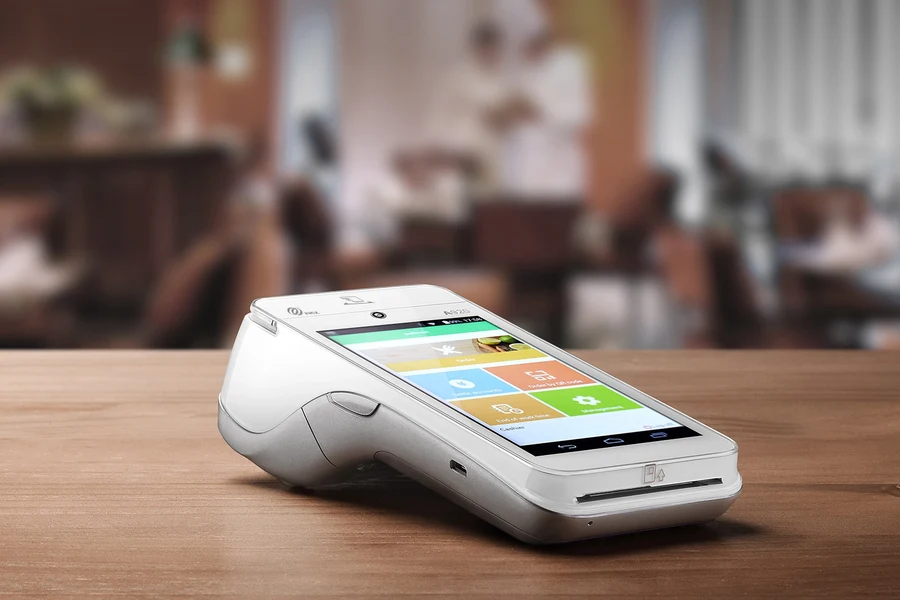
M2PAY
Croatian card payment processor
PAX A920 (Handpoint)
- ✓ Visa, Mastercard, Maestro, Diners Club, UnionPay
- ✓ Live payment status visible in the POS
- ✓ Automatic fiscalized receipt creation on confirmation
- ✓ Masked card number and auth code on the receipt
Ideal for: businesses that want a local processor, domestic contracts, and affordable terminal rental
Learn more (m2pay.solutions)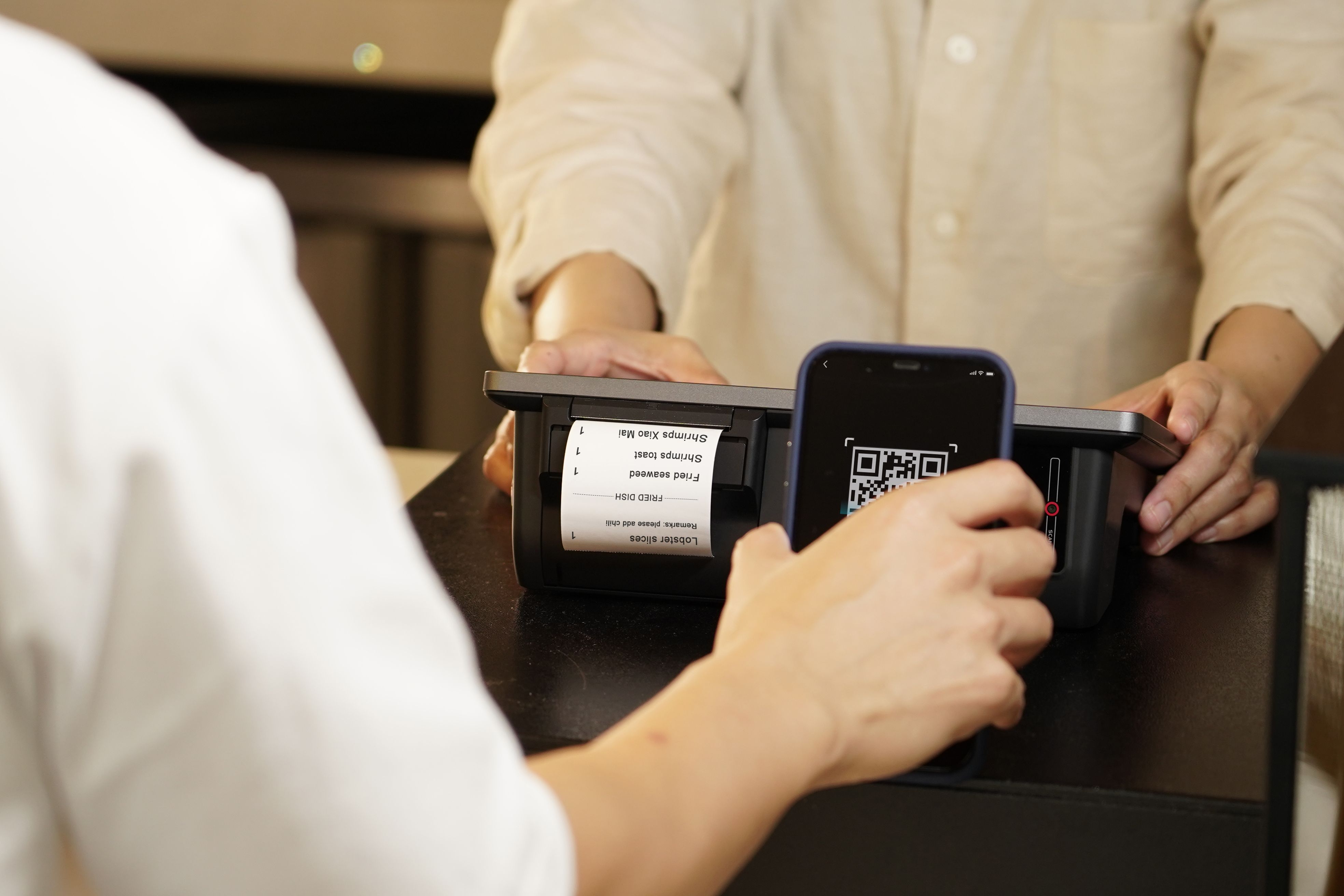
Mobile payment · KEKS Pay
Pay with a KEKS Pay QR code —
no new hardware
The guest scans a QR code from a printed or digital receipt and pays with the KEKS app. Confirmation arrives in seconds — no waiting for a terminal, no PIN, no physical contact. The cashier doesn't need to change anything about how they work.
- ✓ The QR code is printed on the receipt automatically — nothing to configure
- ✓ Tipping directly in the app — the server chooses whether they keep it or it goes into a shared pool
- ✓ Digital receipt in the app — the guest receives it automatically upon payment
Tips
Tipping with card payments
The server suggests a tip amount at the POS — it's sent together with the payment amount in a single transaction. Fiscalization happens correctly: the tip is recorded separately and doesn't count toward sales revenue.
- ✓ Supported processors and payment methods — tipping integrated into a single transaction
- ✓ The server sets the amount at the POS, the guest confirms on the terminal
- ✓ Automatic allocation — shared pool or directly to the server
Digital menu
Card payment on the digital menu
Guests ordering via the QR code at the table can pay by card directly in the browser — no redirect to an external page. Ordering and payment happen in a single flow.
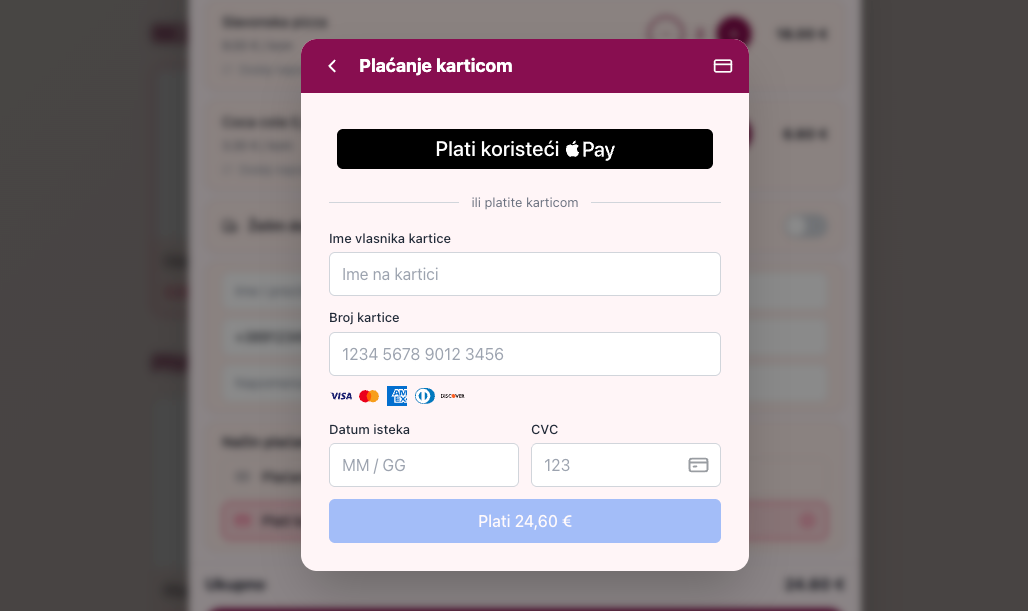
- ✓ Teya, myPOS Embedded Checkout, and Viva Smart Checkout — natively integrated into the menu
- ✓ Automatic refund when an order is declined or canceled
Compliance
Fully compliant with Fiscalization 2.0
Every payment method — cash, card, KEKS Pay, bank transfer, crypto — is fiscalized per applicable regulations (ZKI/JIR). Card payments are fiscalized only after terminal confirmation, never in advance. e-Invoices are sent via the moj-eRačun, SUPER, EPOS, or FINA intermediaries for B2B and B2G invoicing.
FAQ
Have questions?
Who supplies the card payment terminal?
The terminal is supplied and maintained by your card payment processor — Viva, Teya, myPOS, or M2PAY, whichever you choose. POS Boss connects to the terminal for automatic recording and fiscalization.
Which card payment processors do you support?
We connect directly with Viva, Teya, myPOS, and M2PAY terminals. If you already have a contract with another processor, get in touch — we'll check whether integration is possible.
Do I need a contract with a card payment processor?
Yes, card payments require your own contract with a processor. POS Boss doesn't issue terminals, but it connects to the ones you already use or acquire.
Is every payment method recorded separately?
Yes — every transaction records the payment method, is automatically fiscalized (ZKI/JIR), and appears in reports by payment method. You can filter reports by method, cashier, or time period.
Can I combine multiple payment methods on one receipt?
Yes, partial payment with cash and card (split payment) on the same receipt is supported. Each part is recorded and fiscalized separately.
Do you support tipping with card payments?
Yes. The server suggests a tip amount at the POS, and it is sent together with the receipt to the Teya, myPOS, or Viva terminal — in a single transaction. KEKS Pay has native tipping support directly in the app. Tips are recorded separately in reports.
Can a guest pay by card directly on the digital menu?
Yes. Through Teya Embedded Checkout, myPOS online payments, or Viva Smart Checkout, guests ordering via the QR code at the table can pay by card directly in the browser — no redirect to an external page. Refunds are processed automatically if an order is declined.
Is sending e-Invoices supported?
Yes — we connect with e-Invoice intermediaries (moj-eRačun, SUPER, EPOS, FINA) for B2B and B2G invoicing, fully compliant with Fiscalization 2.0.
Can I accept card payments on my own device without a separate terminal?
Yes, if your device supports SoftPOS and your card payment processor supports SoftPOS on that device — in that case, card payments work directly on your own hardware. SUNMI V2s and V3 PLUS devices have built-in NFC and support SoftPOS.
Have a question about payments?
Get in touch — we'll show you how your card payment processor or KEKS Pay connects with the POS Boss system, no obligation.
Request a demo